@ahmetcantryk
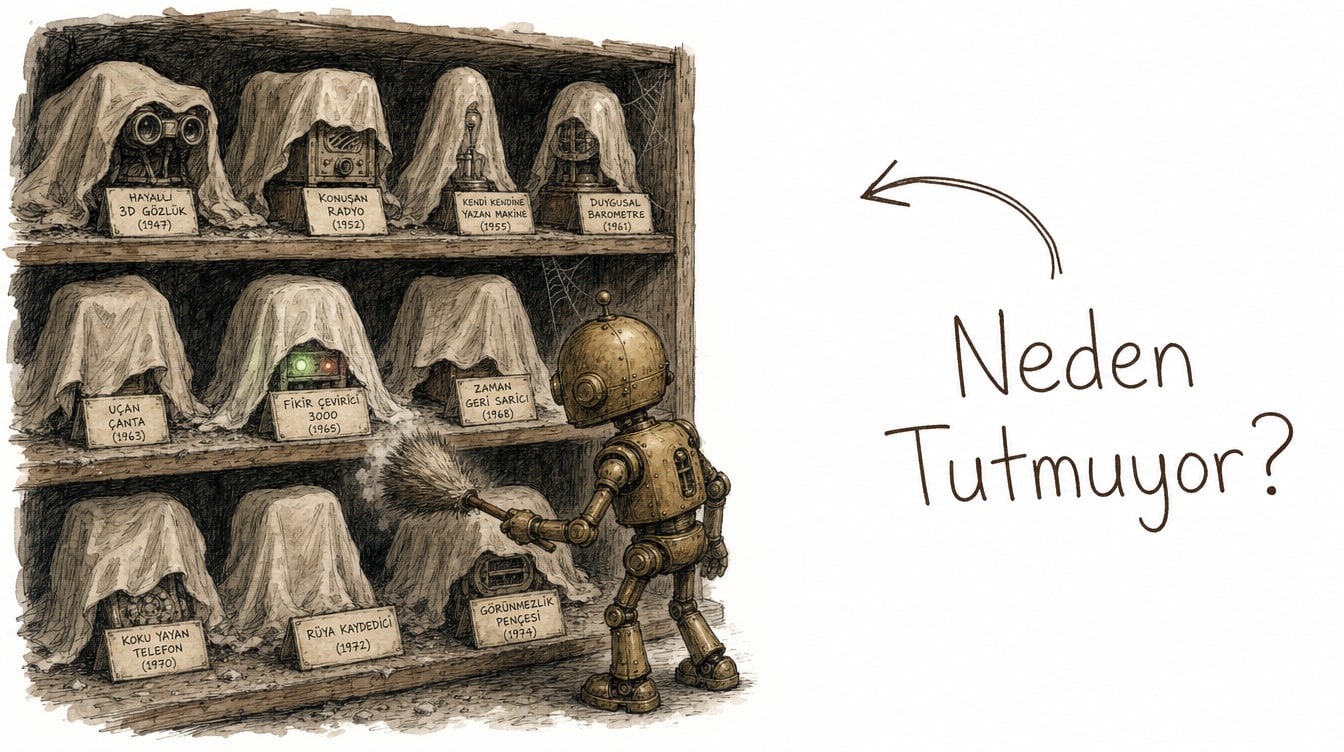
OpenAI shut down its standalone ChatGPT Atlas browser on August 9, 2026, two days before this article published, and folded the same agentic-browsing capability directly into ChatGPT and Codex instead of maintaining it as a separate app. It is the clearest failure case the agentic browser category has produced so far.
The Short Life of a Standalone Bet
Atlas launched in October 2025 with a bold premise: a full browser built around ChatGPT, where the agent had direct access to tabs, sessions, and cookies rather than working through a plug-in. The roadmap was ambitious, too — Windows, iOS, and Android versions were promised. None of them ever shipped. Across its roughly ten-month life, from launch to the shutdown date confirmed in OpenAI's own release notes, Atlas stayed macOS-only.
That is a short run even by the standards of a fast-moving AI company. OpenAI's release notes frame the shutdown as a product decision, not a technical failure or security issue: the same capability is moving into a surface people already open every day — ChatGPT itself. Beyond that, OpenAI hasn't published a detailed rationale; what follows is our analysis, not a confirmed OpenAI statement.
Why Standalone AI Browsers Keep Struggling
Atlas's shutdown isn't an isolated event — it's the latest instance of a pattern. Selling a standalone AI browser means fighting four separate sources of friction at once.
Installation friction. Downloading a new browser, creating an account, granting permissions, and setting it as the default are all steps a user has to take for the sake of one feature. A browser extension or a feature added to an app they already use requires almost none of that.
Habit-switching cost. The browser is one of the stickiest habits in computing. Bookmarks, saved passwords, extensions, tab layouts, and autofill history all have to be re-homed, and that's real work. Making that work worthwhile for a single "agent mode" feature is a hard sell.
Reluctance to change a daily browser for one feature. People don't pick Chrome or Safari for speed or design alone — they pick it for years of accumulated ecosystem. No matter how good a new feature is, it has to be good enough to justify abandoning that ecosystem, and that bar is very high.
Distribution disadvantage. This is arguably the decisive one. Chrome and Safari already ship preinstalled on billions of devices through OS or default-app defaults. A browser built from scratch has none of that distribution — it has to actively win every user. An extension or an in-app feature skips that fight entirely by riding on top of something already installed.
This isn't a browser-specific problem either: standalone AI hardware products run into a similar pattern, where people are reluctant to swap out the device they carry every day for one new capability.
The Strategic Move: Folding Browsing Into ChatGPT and Codex
OpenAI's choice here is instructive. Instead of keeping agentic browsing as a separate product, it moved the capability into two surfaces that already exist:
- As an in-chat agent capability inside ChatGPT. Users don't open a new app; they describe a web task from the ChatGPT interface they already use daily, and the agent carries it out in the background. This mirrors the same philosophy behind ChatGPT Work's plan-then-execute loop — add capability to an existing habit instead of teaching a new one.
- Inside Codex. On the developer side, tasks that require navigating and interacting with the web are now part of the coding environment itself, without switching to a separate browser window.
This inverts the distribution problem. OpenAI is no longer trying to move users to a new app — it's moving the capability to where users already are. ChatGPT's hundreds of millions of weekly users give it a distribution base a from-scratch browser could never match.
What Current Atlas Users Should Do Now
If you were using Atlas, the practical steps are straightforward:
- Export your bookmarks. OpenAI recommended exporting bookmarks as HTML before the deprecation date; that file can be imported into any standard browser — Chrome, Safari, or Edge.
- Don't worry about your ChatGPT conversation history. That data lives in your account, not in the browser, so it survived Atlas's shutdown intact.
- Know where the agent capability moved. The same "chat with your browser" function now lives inside the ChatGPT desktop app — no separate install, just your existing ChatGPT account.
- Go back to your daily browser. You can keep using Chrome, Safari, or Edge as your default and trigger ChatGPT's agentic mode as a discrete task whenever you need it.
What This Signals for the AI Browser Category
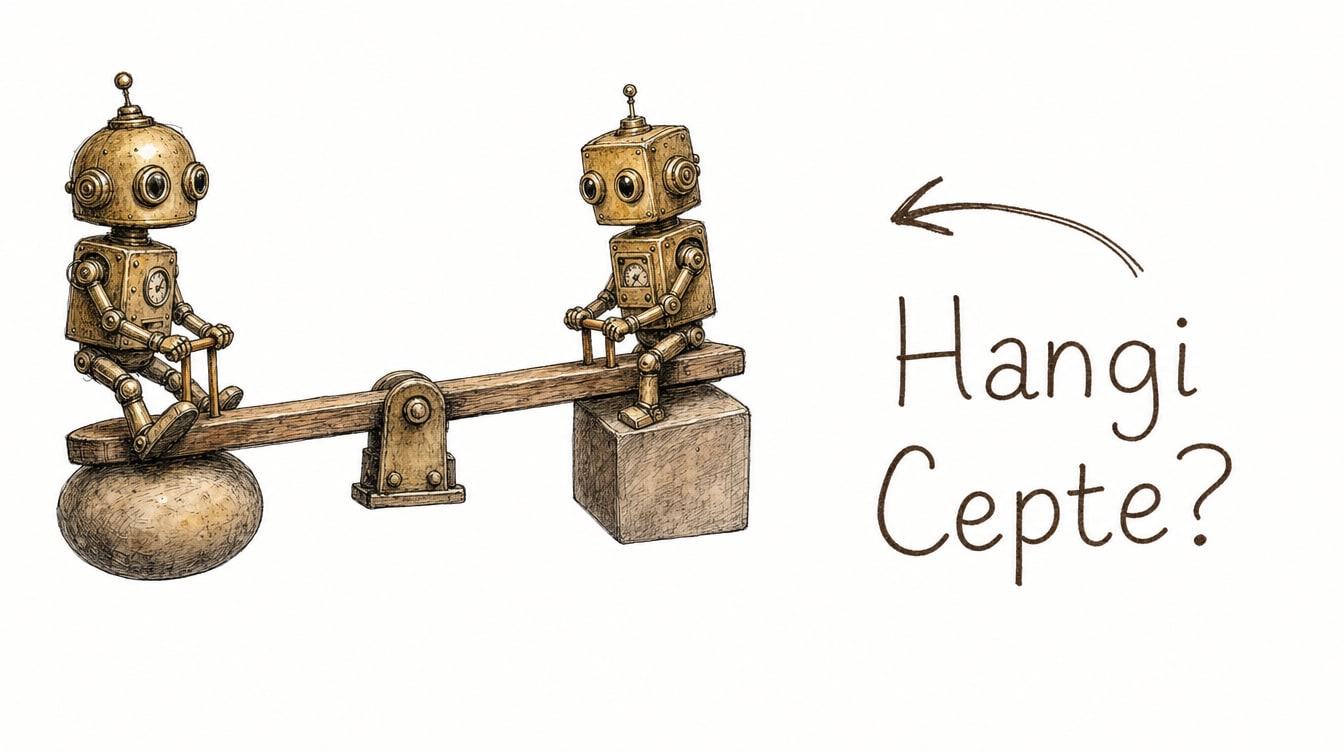
Atlas's shutdown doesn't mean the "AI browser" category is dead — but it does sharpen the split between two strategies. Perplexity's Comet, as of this writing in August 2026, is still standalone and still growing; Comet, which Perplexity has expanded to macOS, Windows, and iOS, pulls much of its user base from people who already use Perplexity as their search engine, so the browser switch rides along with a habit switch rather than being sold on its own. Google took the opposite path: rather than shipping a new browser, it embedded Gemini directly into Chrome — a browser people already use — winning the distribution fight without ever having to have it.
Product | Approach | Status (August 2026) | Distribution strategy |
|---|---|---|---|
Atlas (OpenAI) | Standalone browser | Shut down (August 9, 2026) | New app — had to win users over |
Comet (Perplexity) | Standalone browser | Active, growing | Rides on existing Perplexity user base |
Gemini (in Chrome) | Embedded in existing browser | Active | Rides on Chrome's existing user base |
ChatGPT agentic browsing | In-chat agent capability | Active (replaced Atlas) | Rides on ChatGPT's existing user base |
The pattern worth noticing: two of the three surviving approaches aren't selling a new app at all — they're riding on an existing habit. Comet is the exception, but even that exception is built on its own existing user base of Perplexity search users, not a cold-start audience.
Where Agentic Browsing Goes Next
My read is fairly plain: standalone AI browsers are the wrong shape for most companies pursuing this space. Changing someone's browser habit is one of the hardest consumer behaviors to shift, and no single feature — however impressive — is enough to clear that bar on its own. Atlas's nine-to-ten-month run, implicitly acknowledged in OpenAI's own news coverage of the product, is evidence of that: OpenAI wasn't short on confidence in its agent technology, it was short on confidence that users would migrate to a new browser for it.
The category will likely keep splitting along this line: products that add agentic capability to an existing user base — search, chat, coding — will keep winning, while products that sell a standalone browser from a cold start will only survive where the underlying product already has enough gravitational pull of its own. Atlas's story stands as the most expensive lesson in that distinction so far; for more coverage of where this space is headed, see our technology category.
Frequently Asked Questions
What happened to my Atlas bookmarks and data?
OpenAI recommended exporting bookmarks as HTML before the shutdown date, and that file can be imported into any standard browser like Chrome, Safari, or Edge. Your ChatGPT conversation history is unaffected because it's stored in your account rather than in the browser.
Is ChatGPT's agentic browsing as capable as Atlas was?
It depends on the task. The core "chat with your browser" mechanic moved to ChatGPT, but Atlas, as a standalone browser, had more direct access to tabs and sessions. The in-chat agent mode is more integrated into your conversation flow, though it may lack some of the direct control a standalone browser offered.
Should I switch to Comet instead of using ChatGPT's browsing agent?
If you already search with Perplexity and want a standalone, full-control browser, Comet is a reasonable alternative — it's still active and growing as of August 2026. If you'd rather not change your daily browser at all, ChatGPT's in-chat agent mode or Gemini's Chrome integration deliver much of the same value with zero switching cost.
Who is the browsing capability in Codex for?
It's aimed at developers whose coding tasks require navigating the web — checking documentation, testing an API, or verifying a page's behavior. Instead of switching to a separate browser window, that capability now lives inside the coding environment itself.