@ahmetcantryk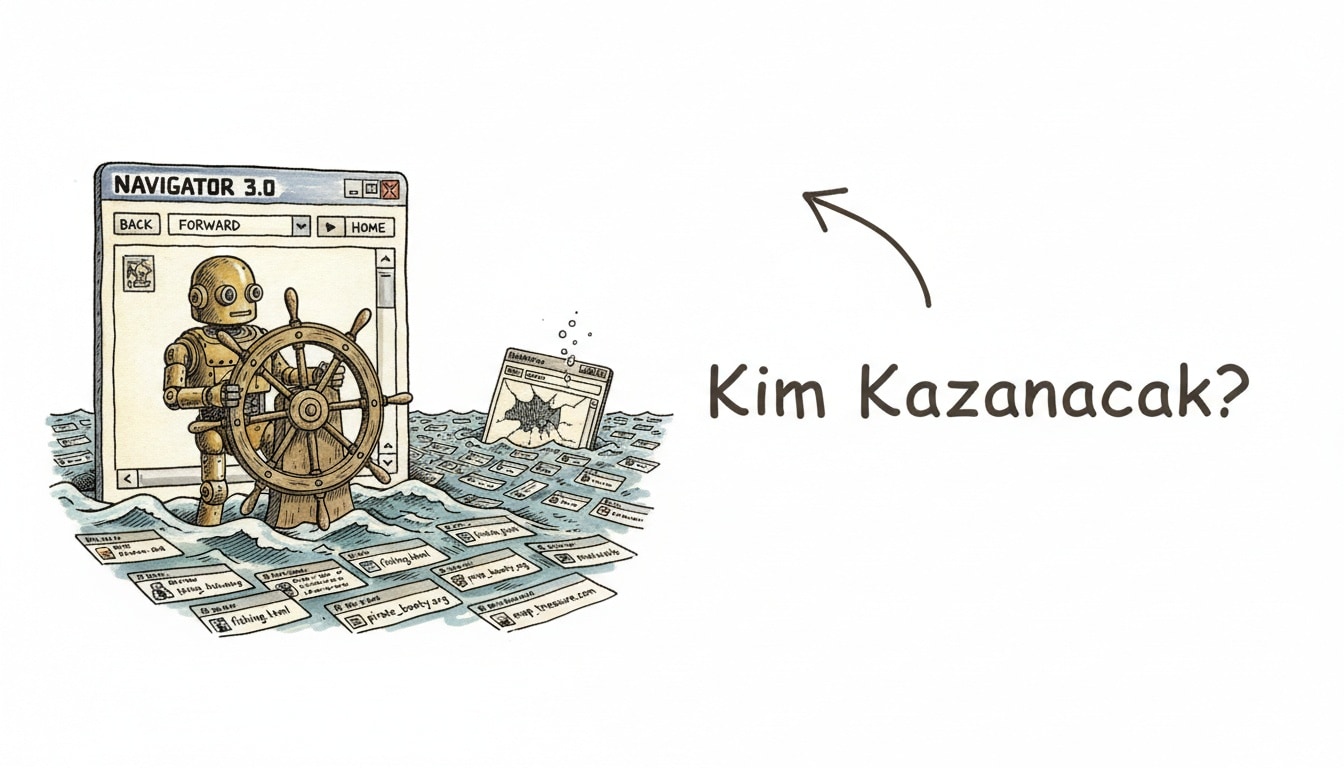
An agentic browser is a web browser with an AI agent wired into the browsing session itself. Instead of just summarizing a page, it can scroll, click buttons, fill out forms, and carry out multi-step tasks — comparing prices across tabs, booking a reservation, filing a form — inside a real, logged-in browser.
That single capability has split the category into two very different bets. As of July 2026, one group of companies is building browsers from scratch around an agent; another is bolting an assistant onto a browser people already use. One of the from-scratch bets just failed publicly. Here's the map, the comparison, and the security risk that makes this category genuinely different from a chatbot.
Two Very Different Approaches to the Same Idea
Standalone Agentic Browsers: Comet and the Shutting-Down Atlas
Perplexity's Comet and OpenAI's ChatGPT Atlas both took the boldest possible approach: build an entire browser, not a plug-in, so the agent has native, unrestricted access to tabs, sessions, and cookies. Comet has been the more aggressive expander of the two. It landed on iOS on March 18, 2026, and the launch came bundled with a bigger move — Comet's core desktop browser went fully free, with Pro and Max subscriptions (from $20/month) reserved for extra capability like deeper Deep Research access. The iOS app ships with voice mode and Perplexity's Deep Research engine, though it's missing browser extensions, a gap that still separates it from the desktop version. It reportedly climbed to #3 overall on the iOS App Store shortly after launch.
Atlas took the opposite trajectory. OpenAI launched it in October 2025 and confirmed in July 2026 that it's sunsetting the standalone browser, with deprecation landing on August 9, 2026. In its roughly nine months of existence, Atlas never shipped the Windows, iOS, or Android versions OpenAI had promised — it stayed macOS-only for its entire life. Rather than keep maintaining a separate browser, OpenAI is folding the same "chat with your browser" capability directly into the ChatGPT desktop app. Users have been told to export their bookmarks as HTML before the deadline; ChatGPT conversation history itself isn't affected, since it's stored in the account rather than in the browser.
Bolt-On Assistants: Chrome's Gemini and Edge Copilot
The other camp skips the browser-market land grab entirely. Google's Gemini integration in Chrome and Microsoft's Copilot in Edge add agentic features to browsers that already dominate market share, which means zero switching cost for the user — no new app, no migrated bookmarks, no abandoned muscle memory. The trade-off, at least as of mid-2026, is depth: bolt-on assistants tend to handle page-level Q&A and lighter task assistance well, but they generally don't match a purpose-built agentic browser's ability to chain long, autonomous, multi-step actions across many sites.
Capability and Pricing at a Glance
Product | Type | Platforms | Agent Mode | Pricing | Status (July 2026) |
|---|---|---|---|---|---|
Comet (Perplexity) | Standalone browser | macOS, Windows, iOS | Yes — multi-step tasks, Deep Research | Free; Pro/Max from $20/month | Active, expanding |
Atlas (OpenAI) | Standalone browser | macOS only | Yes — "chat with your browser" | Included with ChatGPT plans | Shutting down, deprecates August 9, 2026 |
Chrome + Gemini | Bolt-on assistant | Windows, macOS, Linux, Android, iOS | Limited — page Q&A, light task help | Included with Google/Gemini plans | Active |
Edge + Copilot | Bolt-on assistant | Windows, macOS | Limited — page Q&A, light task help | Free with Edge | Active |
What "Agent Mode" Actually Does
This is the detail that gets glossed over: agent mode isn't a smarter version of "summarize this page." When you switch it on, the browser hands the model real control — it can read the rendered DOM, decide which button corresponds to "submit," type into a form field, navigate to a new URL, and repeat that loop dozens of times to finish a task you described in one sentence. That's a fundamentally different capability from comparing frontier chat models on reasoning quality alone — an agentic browser is judged as much on how reliably it clicks the right thing as on how well it reasons.
The Risk Nobody in This Category Can Ignore
Giving an AI system the ability to click and fill forms inside your logged-in browser session creates a risk class that a normal chatbot simply doesn't have: prompt injection and sidebar spoofing. A malicious page can embed hidden instructions in its content — invisible text, a manipulated element, a spoofed "assistant" panel — that the agent reads as part of its context and follows as if you had typed it. In the worst case that means an agent visiting a phishing page on its own, submitting a form with data it shouldn't, or leaking something from an open tab. This is an actively discussed problem across the entire agentic-browser category in 2026, not a flaw specific to one product, and it's worth reading alongside the broader pattern we covered in agentjacking as a new AI agent attack class. Browser vendors shipping agent features inside an existing product face the same exposure — see our developer security guide to Claude in Chrome's GA release for what that looks like from the other side of the standalone-vs-bolt-on line.
The Atlas Shutdown as a Cautionary Tale
Atlas is the clearest case study this category has produced so far. OpenAI shipped a whole new browser, asked users to switch their daily driver, then discontinued it in under a year without ever reaching the other three platforms it had promised. The stated reasoning is telling: OpenAI concluded it's easier to add agentic browsing to a product people already use — the ChatGPT app — than to convince people to abandon their existing browser. That's essentially an admission that the "standalone browser" bet lost to the "bolt-on" bet, at least for OpenAI's specific execution. For anyone evaluating this space, it's a reminder that a browser is one of the stickiest habits in computing, and asking users to re-home years of bookmarks, passwords, and extensions is a much higher bar than shipping a good agent.
So Is a Standalone Browser Even the Right Shape for This?
Is building an entire browser from scratch actually the right way to ship an AI agent, or is it a detour? The Atlas outcome suggests the latter for most users — Chrome and Edge already have the distribution, and Gemini and Copilot only need to close the capability gap, not win a platform war. But Comet's growth curve complicates the story: its move to a free tier and its fast iOS traction suggest that for people who already treat Perplexity as their default search tool, switching browsers isn't the ask it once was — they're already halfway there. My take: the standalone bet only survives where the browser itself is a small part of the ask, because the product's real gravity — search, research, an existing habit — is doing the switching for you. Where that gravity doesn't exist, bolt-on wins by default.
Frequently Asked Questions
What is an agentic browser, in one sentence?
It's a browser with an AI agent that can take real actions inside your browsing session — scrolling, clicking, filling forms, navigating across tabs — to complete multi-step tasks, not just answer questions about a page.
Is ChatGPT Atlas completely gone?
Not entirely. OpenAI is deprecating the standalone Atlas browser on August 9, 2026, but the same "chat with your browser" capability is moving into the ChatGPT desktop app. Your ChatGPT conversation history is unaffected since it's stored in your account, though you should export any Atlas bookmarks as HTML before the deadline.
Why is prompt injection a bigger deal in agentic browsers than in a normal chatbot?
Because the agent can act, not just answer. A hidden instruction embedded in a malicious webpage can potentially get an agent to click a link, submit a form, or navigate somewhere the user never asked for — a normal chatbot without browsing and form-filling power simply doesn't carry that risk.
Should I switch to Comet or stick with a bolt-on assistant like Chrome's Gemini?
If you're already deep in Perplexity's ecosystem or want the most autonomous multi-step task handling, Comet's now-free tier makes it low-risk to try. If you'd rather not change your daily browser at all, Chrome's Gemini or Edge's Copilot gets you a meaningful chunk of the value with zero migration cost.