@ahmetcantryk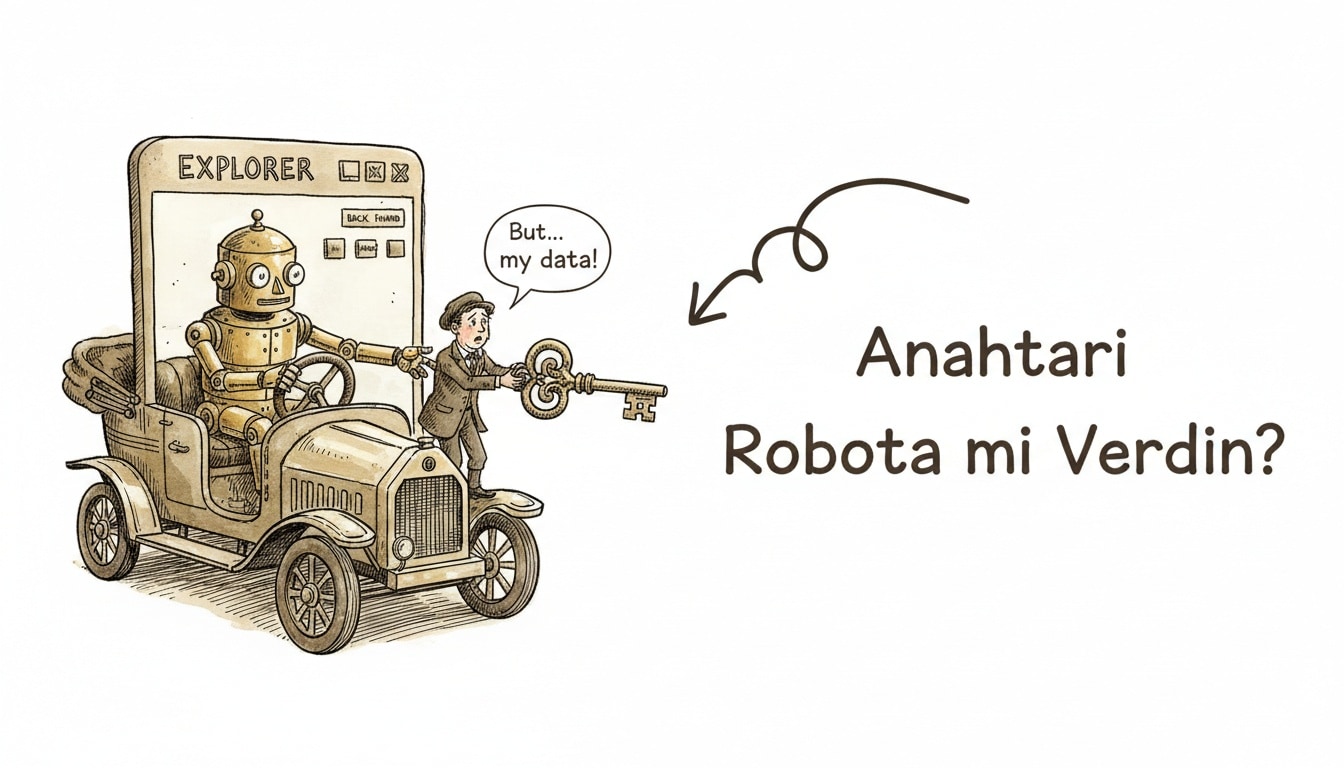
Anthropic moved Claude in Chrome out of its limited pilot and into general availability on July 1, 2026. Anyone on a paid plan can now let Claude see a page and click, type, and navigate on their behalf. The question developers face is no longer what the tool can do — it's which permission mode it should run under.
From pilot to GA: what actually changed
During the pilot, Claude in Chrome was restricted to invited users while Anthropic tested it with a closed group. With the July 2026 GA announcement, the extension is now open to everyone on Pro, Max, and Team plans, with Enterprise rollout gated behind admin controls. That's the threshold that pushes the product from "AI that answers" to "AI that acts in your browser": alongside passive requests like "summarize this page," you now get active tasks like "check my unread Gmail," fill out a form, or complete a multi-step signup flow. The Claude for Chrome product page covers the official rollout and confirms the GA date (see the Claude Code changelog, entry 2.1.198).
This is not a minor UX tweak. Granting a browser extension permission to "click on my behalf" puts you in a different risk category than trusting a chatbot that only outputs text — your session cookies, open tabs, and authentication state are now in play.
The permission model: ask before acting vs. act without asking
Claude in Chrome runs in two modes, and the gap between them is what matters most for security.
Mode | How it works | When to use it |
|---|---|---|
Ask before acting | Claude drafts a plan; nothing clicks or submits until you approve it | Any flow touching payments, sending email, account settings, or authentication |
Act without asking | Claude executes the plan autonomously, no step-by-step approval | Only trusted, static, low-risk sites where the scope is kept narrow |
Anthropic's own documentation implicitly concedes the risk here: the Claude in Chrome permissions guide flags "act without asking" as carrying materially higher prompt-injection exposure. The reason is straightforward — autonomous mode requires Claude to implicitly trust the content of every page it reads, and no page on the open web is trustworthy by default.
That's also why site-level permissions exist: you can grant or revoke Claude's access per domain. In practice, that means scoping access narrowly to the handful of domains your workflow actually needs, instead of granting the same broad permission to every site you visit.
The real risk is prompt injection, not an extension bug
What makes Claude in Chrome's security story worth understanding is what independent researchers actually found during the pilot. Two distinct vulnerability classes were publicly disclosed:
- ShadowPrompt: an overly permissive allowlist for
*.claude.aisubdomains chained with a DOM-based XSS bug in a CAPTCHA component. Combined, the two let a malicious site inject prompts directly into Claude's context. - A LevelDB-based permission bypass: writing directly to the extension's local storage layer could pre-approve arbitrary domains without any user interaction.
Both were researcher-reported during the pilot period. We're not classifying them here as "still open" or "now fixed" — what matters is the structural risk they point to. TechRadar's coverage summarizes the research context. None of this is a Claude-specific defect list; it's the attack surface inherent to any browser agent that autonomously reads page content and turns it into actions. We covered this attack class more broadly in our piece on agentjacking, which digs into how this became its own category of AI agent attack.
On Anthropic's side, two defenses stand out: content classifiers that scan untrusted page content before it enters Claude's context (looking for injected instructions), and automatic action-risk screening that runs before each action executes, blocking or pausing anything that looks unsafe. The guide to using Claude in Chrome safely walks through both mechanisms and the precautions users should take on their end.
Safe usage practices for developers
Our rule when working with browser agents is simple: treat the "act without asking" toggle as a footgun until permissions are scoped tightly. Turning on autonomous mode before narrowing scope doesn't reduce risk — it just defers it.
The example below isn't a real API — there likely isn't a public one for this — it's an illustrative sketch of how to think about scoping:
# Example: per-site permission scoping plan (illustrative, not a real API)

domain: docs.internal-wiki.com
  mode: act-without-asking     # static, no user-generated content, low risk
  scope: read-and-summarize

domain: mail.google.com
  mode: ask-before-acting      # involves auth and sends
  scope: read-only-by-default

domain: *.reddit.com, any forum or UGC site
  mode: disabled                 # user-generated content = high injection risk
A concrete checklist:
- Keep site access disabled by default and enable it only for domains you genuinely need.
- Require "ask before acting" for any flow involving authentication, payments, or sending email. Autonomous mode is never a reasonable default there.
- Never enable "act without asking" on sites with user-generated content (forums, comment sections, social media). Those pages are the most fertile ground for injected instructions.
- Review site permissions periodically during long sessions. Scoping access back down once a task is done is cheaper than the alternative.
- Hold browser-agent usage to the same guardrail discipline as your other LLM integrations. Our LLM guardrails production checklist is a solid starting point for building that input/output filtering logic end to end.
If your team already works with subagents and background agents in Claude Code, the same scoping discipline applies there too — our Claude Code subagents guide covers why narrowly scoped task definitions are safer. If you're running self-hosted agents, our piece on OpenClaw works through a similar permission-scoping logic in a different context.
When it's actually worth using
Claude in Chrome saves real time on repetitive, well-defined browser tasks: scanning documentation, routine form-filling, gathering information across multiple tabs. The risky part isn't the tool — it's leaving scope undefined. With the GA rollout, more developers now have to make this call, and the right default is to start every new site's permission narrow and build up from there, not the other way around. For more on the broader AI landscape, browse our AI category.
Frequently Asked Questions
Which plans include Claude in Chrome?
As of July 2026, users on Pro, Max, and Team plans have access to Claude in Chrome. Enterprise customers need the feature enabled by an admin. It isn't available on the free plan.
Should I avoid "act without asking" entirely?
Not entirely — it can be a reasonable choice on tightly scoped, static, low-risk sites. But we recommend against enabling it for flows involving authentication, payments, or email, and never on sites with user-generated content.
Are the ShadowPrompt and LevelDB vulnerabilities still active?
Both were reported by independent researchers during the pilot period. It's more accurate to read them as concrete evidence of the attack surface inherent to browser-agent products than as a current, unpatched threat. Check Anthropic's security documentation for the latest status.
How is Claude in Chrome different from other browser automation tools?
The key difference is the built-in defense layers — content classifiers and action-risk screening — but those layers reduce risk, they don't eliminate it. As with any browser agent, the final responsibility for setting the right permission scope still sits with the user.