@ahmetcantryk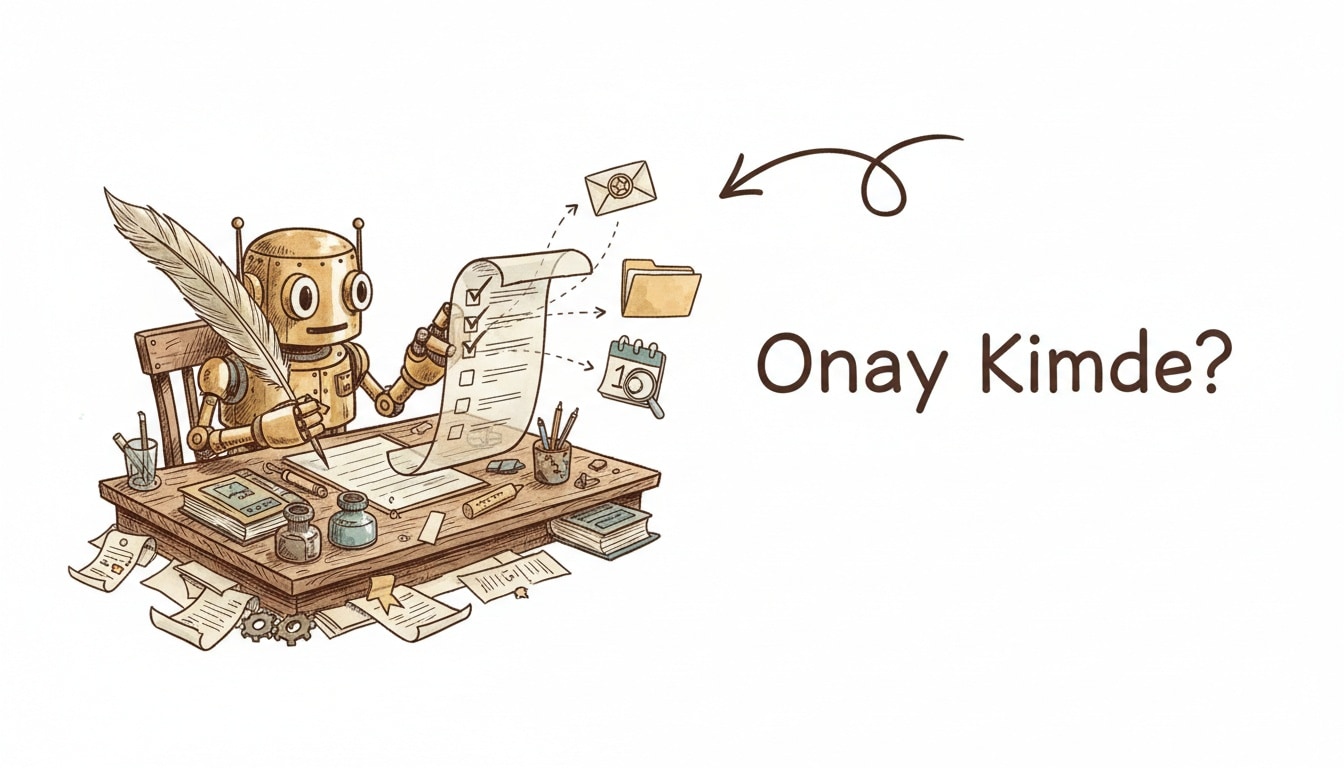
Is ChatGPT Work just a rebrand of Assistants with a longer leash? Not quite. Launched on July 9, 2026 and powered by GPT-5.6, ChatGPT Work is a new mode that takes a goal, turns it into a visible plan, and then works through a sequence of steps across your connected apps and files — pausing for your approval before anything ships. That plan-then-execute loop, not the underlying model, is the actual news here.
What ChatGPT Work does differently from regular ChatGPT
Regular ChatGPT answers one prompt at a time. ChatGPT Work is built for the kind of task that used to mean an afternoon of tab-switching: gather context from Slack threads, a shared Drive folder, and a CRM record, then produce a finished document, spreadsheet, presentation, report, or even a small website. The agent breaks the goal into a plan you can see, works through approved steps one at a time, and lets you redirect it mid-run instead of only judging the final output.
That visible plan is the part worth paying attention to. Prior "agentic" ChatGPT features mostly ran as an opaque loop you waited on; ChatGPT Work exposes the plan as a checklist you can edit before execution starts, which matters the first time an agent decides to email the wrong stakeholder.
Connected apps, Sites, and Scheduled Tasks
ChatGPT Work connects to Slack, Microsoft Teams, Google Drive, SharePoint, email, calendars, CRM platforms, and project trackers through plugins, then reasons across all of them in one run. Two companion features shipped alongside it:
- Sites (public beta) turns a finished Work project into an interactive site or web app — a course resource hub, an internal project tracker, or a launch calendar — without a separate deploy step.
- Scheduled Tasks lets ChatGPT run a job once, on a recurring schedule, or when a trigger event fires, such as summarizing overnight customer-feedback emails and routing the results to the right channel every morning.
Here's roughly what a scheduled job looks like conceptually, based on OpenAI's rollout description:
{
  "task": "summarize-support-inbox",
  "trigger": { "type": "schedule", "cron": "0 8 * * 1-5" },
  "sources": ["gmail:support@company.com", "slack:#customer-feedback"],
  "output": { "type": "sites-dashboard", "notify": ["slack:#cs-leads"] },
  "approval": "required-before-publish"
}
The approval-gate detail is the one worth trusting less blindly than the marketing copy: OpenAI's own materials describe results as reviewable "before they are used or shared," which implies the default posture is human-in-the-loop, not fire-and-forget — worth confirming yourself once you wire a task to anything customer-facing.
Rollout: who gets it and when
The rollout is staged by plan tier, which matters if you're deciding whether to wait:
Tier | Access | Notes |
|---|---|---|
Free | Chat + Codex on desktop | No Work mode yet |
Plus / Business | Work mode, rolling out over following days | Web + desktop |
Pro / Enterprise / Edu | Work mode at launch (July 9) | Full plugin access |
Desktop app (Mac/Windows) | Chat, Work, Codex available on every plan | Global availability at launch |
The desktop app is the interesting exception: OpenAI made Chat, Work, and Codex available to every plan there, including Free, while the web rollout for Work mode is still staggered by tier. If you want to try Work mode today without paying, the desktop app is the faster path.
How this compares to Claude Cowork and Gemini's workspace push
ChatGPT Work isn't launching into a vacuum. Anthropic's Claude Cowork already expanded to web and mobile with a similar "agent that finishes a project, not just a prompt" pitch, and Google has been pushing Gemini deeper into Workspace and Chrome on a similar timeline. The three vendors are converging on the same shape: connect the agent to your real tools, let it plan visibly, and gate execution behind approval. If you're choosing between ChatGPT and Gemini for daily work, the honest answer in mid-2026 is that the winner is whichever ecosystem already holds your files and inbox — the agent layer itself is converging fast enough that it's a weak differentiator on its own.
What's actually new is less "an AI that plans" — agents vs workflows has been a live debate for a year — and more that OpenAI shipped the plan-review UI as a first-class primitive instead of a devtool. That's a genuine, if incremental, step for teams who were blocked less by model capability than by the trust gap of not seeing what an agent intended to do before it did it.
What this means if you're automating internal tools
For teams already building internal automation on top of the OpenAI API, the practical question isn't "should we use ChatGPT Work" — it's whether the plan-review pattern it popularizes is worth copying into your own agent tooling, independent of which vendor's model runs underneath. If you're wiring a custom agent to Slack, a CRM, and a ticketing system with the Model Context Protocol, the lesson worth lifting is the visible, editable plan step, not the specific product. A checklist a human can amend before execution starts is cheap to add and expensive to retrofit once an agent has already shipped a wrong email or a bad calendar invite. Teams evaluating multi-agent orchestration patterns for their own products should treat ChatGPT Work's rollout less as a benchmark to beat and more as a UX pattern to steal: plan, expose, approve, execute — in that order, every time, regardless of which model is doing the planning.
My honestly mixed take: the plan-then-approve loop is the right default and other vendors should copy it, but "multi-step project across five apps" is exactly the surface area where a single wrong tool call compounds fastest — treat the July 9 launch as a promising beta for anything touching real customer data, not a settled production pattern yet, until you've run it against a low-stakes internal workflow first.
Frequently Asked Questions
What model powers ChatGPT Work?
ChatGPT Work runs on GPT-5.6, which reached general availability on July 9, 2026 alongside the Work launch.
Which ChatGPT plans include Work mode?
Pro, Enterprise, and Edu users got Work mode on the web and mobile at launch. Plus and Business access is rolling out over the following days. On the desktop app for Mac and Windows, Work mode is available on every plan, including Free.
Does ChatGPT Work publish results automatically?
No — OpenAI's rollout description frames results as reviewable before they're used or shared, meaning a human approval step sits between a completed plan and anything going out. Verify this behavior yourself before connecting Work to anything customer-facing.
How is ChatGPT Work different from Scheduled Tasks alone?
Scheduled Tasks is one capability inside Work mode — it lets a job run on a timer or trigger. Work mode itself is the broader plan-then-execute loop across connected apps; Scheduled Tasks is what turns a one-off Work project into a recurring automation.