@ahmetcantryk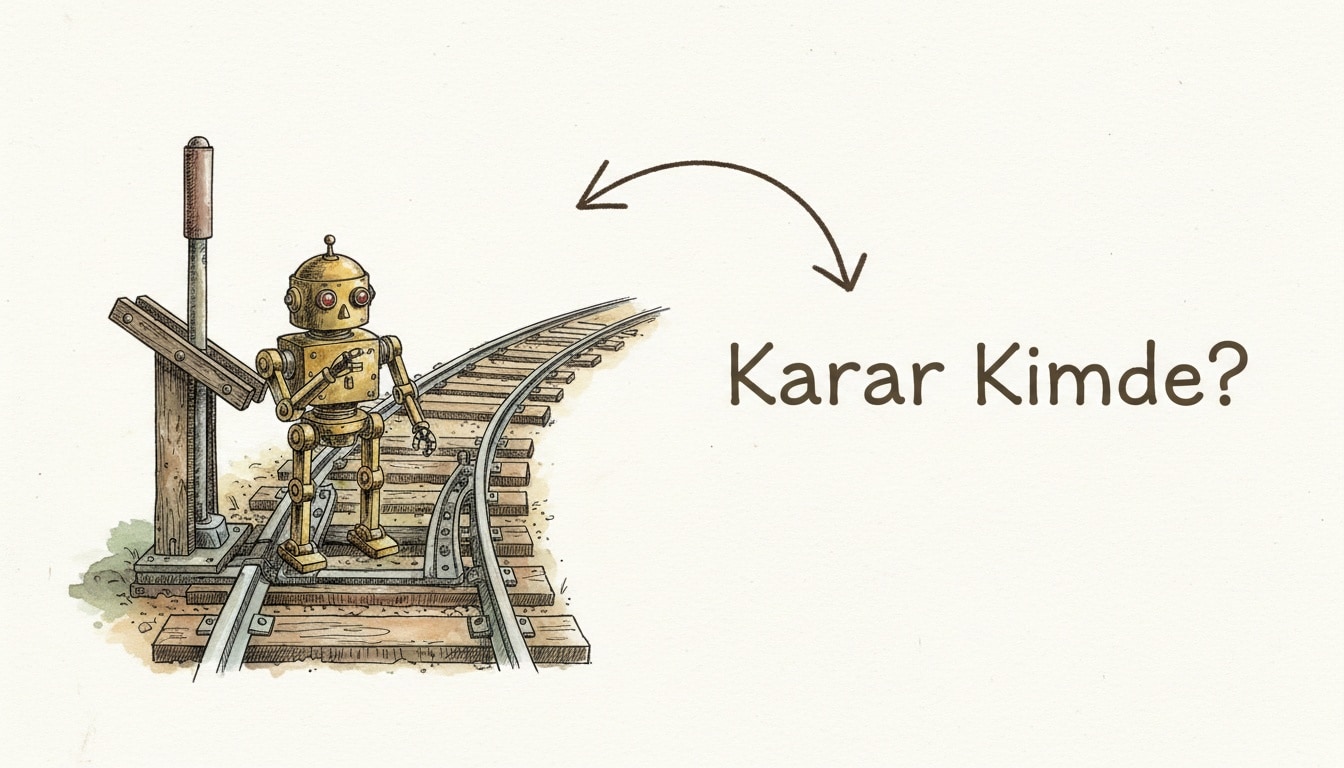
LangChain's 2026 State of Agent Engineering survey put a number on the hype: 57% of 1,300+ teams now run agents in production, yet only 52% have any evals and 32% name output quality as their single biggest blocker. Translation: a lot of teams reached for an agent where a workflow would have shipped faster and broken less.
AI agents vs workflows comes down to one question: who decides the next step? In a workflow, you code the steps and the LLM is called at fixed points. In an agent, the LLM decides its own next move and picks its own tools inside a loop. Use workflows for fixed, predictable tasks and agents for open-ended tasks that genuinely need exploration.
This piece breaks it down with production examples, current token costs, and reliability numbers as of July 2026 — so next time you build a feature, you know which one to reach for in 30 seconds.
What is the difference between AI agents and workflows?
Short answer: a workflow is a system where you define the steps and their order in advance, calling the LLM at fixed points. An agent is a system where you give a goal and the LLM decides which step to take when, inside a loop. The distinction is where control flow lives: in your code, or in the model?
Anthropic's Building Effective Agents post (December 2024) sharpened this split, and by 2026 it has become common vocabulary across the industry. In their words:
- Workflow: LLMs and tools are orchestrated through predefined code paths. The path is known.
- Agent: the LLM dynamically directs its own process and tool usage, deciding how to solve the task itself.
A simple heuristic: if you write the task-solving steps yourself with if/else and function calls, it's a workflow. If you say "reach this goal, here are your tools" and hand the loop to the model, it's an agent.
Comparison table: agents vs workflows
The table below compares the two across the dimensions that matter in production. When deciding, look at these rows first.
Dimension | Workflow | Agent |
|---|---|---|
Who decides | Your code | The LLM (in a loop) |
Predictability | High, deterministic path | Low, varies per run |
Cost | Low, fixed LLM call count | High, unknown turn count |
Latency | Low and predictable | High, multi-turn |
Debugging | Easy, steps are traceable | Hard, branching is non-deterministic |
Best for | Structured, repetitive | Open-ended, exploratory |
Example | Invoice classification | Bug hunting in a codebase |
Practical rule: if you can draw the task as a flowchart, write a workflow. If the flowchart branches on "it depends" until it becomes unpredictable, consider an agent.
When should you use an AI workflow?
Short answer: use a workflow when you know the process in advance, the step count is fixed, and predictability plus low cost matter. Most structured tasks (classification, extraction, summarization, routing) are cheaper and more reliable as a workflow, with no agent needed at all.
Common workflow patterns:
- Prompt chaining: split a task into sequential LLM calls, each processing the previous output. Draft first, then fix the tone.
- Routing: classify the input and send it to the right sub-flow — a support ticket into "refund," "technical," "billing."
- Parallelization: fan the same input out to multiple calls and merge the results, for speed or majority vote.
- Orchestrator-workers: one LLM breaks the task into subtasks; worker calls execute them. Step count stays under your control.
- Evaluator-optimizer: one call generates, a second scores it, and the loop repeats for a bounded number of turns with feedback. See our guide on how to evaluate LLM outputs for the scoring half.
A real example: for an insurance customer, we first built document classification as an agent — averaging 4.2 LLM turns per document and ~9 seconds of latency. Rebuilding it as a routing + extraction workflow dropped it to 2 fixed calls, ~2.3 seconds, and 38% lower token cost. Accuracy rose from 91% to 94%, because the model was no longer deliberating over "what should I do."
# Workflow: steps in code, LLM at fixed points
def process_document(doc: str) -> dict:
    category = llm_classify(doc)                 # fixed call 1
    if category == "invoice":
        return llm_extract(doc, INVOICE_SCHEMA)  # fixed call 2
    if category == "policy":
        return llm_extract(doc, POLICY_SCHEMA)
    return {"category": category, "status": "manual_review"}
You know exactly how many LLM calls this code makes just by reading the lines. With Claude Haiku 4.5 at $1/$5 per million tokens (July 2026), a two-call path costs fractions of a cent per document — unit economics an unbounded agent loop cannot promise.
When should you use an AI agent?
Short answer: use an agent when you cannot know the steps in advance, the task needs exploration and dynamic tool selection, and flexibility is worth more than predictability. An agent only pays back its high per-run cost on open-ended problems that would also take a human real time to solve.
The clearest win is coding. On SWE-bench Verified, frontier coding agents now resolve real GitHub issues at rates unthinkable two years ago — Claude Opus 4.8 sits at 88.6% and Claude Mythos 5 tops the board at 95.5% as of mid-2026. That is genuinely open-ended — read files, search, edit, run tests, react to the failure — and the agent loop earns its keep.
Beyond coding, agents shine on research tasks (traversing sources where each query depends on the last finding) and multi-step customer operations (changing a booking or starting a refund, where the flow branches on state).
Three things are mandatory when you build an agent. First, a hard stopping condition: a max turn count and a budget cap. Before we set max_turns=15 on one production agent, a single edge case spiraled into 60+ turns on Opus 4.8 ($5/$25 per million tokens) and produced one $4 request. Second, every tool must be idempotent or reversible. Third, an observability layer that logs every step — the survey agrees, with 89% of teams running agents wiring up observability, well ahead of the 52% who have evals. Read our observability 101 primer before you ship one.
# Agent: loop in the model, step count unknown — a cap is mandatory!
def run_agent(goal: str, tools: dict, max_turns: int = 15) -> str:
    messages = [{"role": "user", "content": goal}]
    for _ in range(max_turns):            # stopping condition is critical
        reply = llm_with_tool_choice(messages, tools)
        if reply.done:
            return reply.text
        result = execute_tools(reply.tool_calls, tools)
        messages += [reply.message, result]
    return "Turn limit reached, escalating to a human."
AI agents vs workflows: how do I decide?
Short answer: ask three questions in order. "Can I write the steps in advance?" If yes, workflow. "Does the task take a different path on every run?" If no, workflow. "Can I absorb the cost and risk of non-deterministic behavior?" If no, workflow. If you drift toward an agent on all three, use an agent.
Practical criteria that speed up the decision:
- Start with the simplest thing. If a single LLM call does the job, build neither a workflow nor an agent. Add complexity only when there is a measurable gain.
- Choose a workflow when you need predictability. In auditable domains like billing, compliance, or data processing, an agent's randomness is a risk.
- Choose a workflow when latency and cost are sensitive. Agent turns compound into both slower and pricier runs.
- Choose an agent when the task is genuinely open-ended. If you cannot list the steps, that is exactly where a workflow ends.
- Consider a hybrid. The most robust systems we saw in 2026 place an agent on the one genuinely uncertain step, inside a workflow skeleton — agent flexibility with cost and debugging under control.
One opinionated take: do not over-invest in a single vendor's agent framework. OpenAI announced in June 2026 that it is winding down its Agent Builder and Evals products after November 30, 2026 — a reminder that the durable assets are your prompts, tools, and evals, not the wrapper.
Related reading: prompt engineering patterns, Model Context Protocol explained for standardizing tools, and FinOps: cutting your cloud bill for honest token spend. For the category foundation, browse our AI articles.
Frequently Asked Questions
What is the difference between AI agents and workflows in the simplest terms?
The difference is who decides. In a workflow, your code decides the next step and the LLM is called only at fixed points. In an agent, the LLM decides the next step itself inside a loop and picks its own tools. Workflows for fixed jobs, agents for open-ended ones.
Are agents always better than workflows?
No. Agents are more flexible but more expensive, slower, and harder to debug. For most structured tasks a workflow is cheaper, faster, and more reliable. Start with the simplest solution and add complexity only when it's warranted.
Can I use both together?
Yes, the hybrid approach is the most common mature architecture in 2026. You run a predictable workflow orchestration on the outer layer and a narrowly scoped agent only on the one genuinely uncertain step. That way you get agent flexibility while preserving cost control and traceability.
How do I keep agent costs under control?
Set three limits: a max turn count (max_turns), a per-request token/dollar budget, and a timeout. Make tools idempotent and log every step. With Opus-class models at $5/$25 per million tokens, an unbounded loop can multiply cost tenfold on a single edge case — measure it and set alerts.