@ahmetcantryk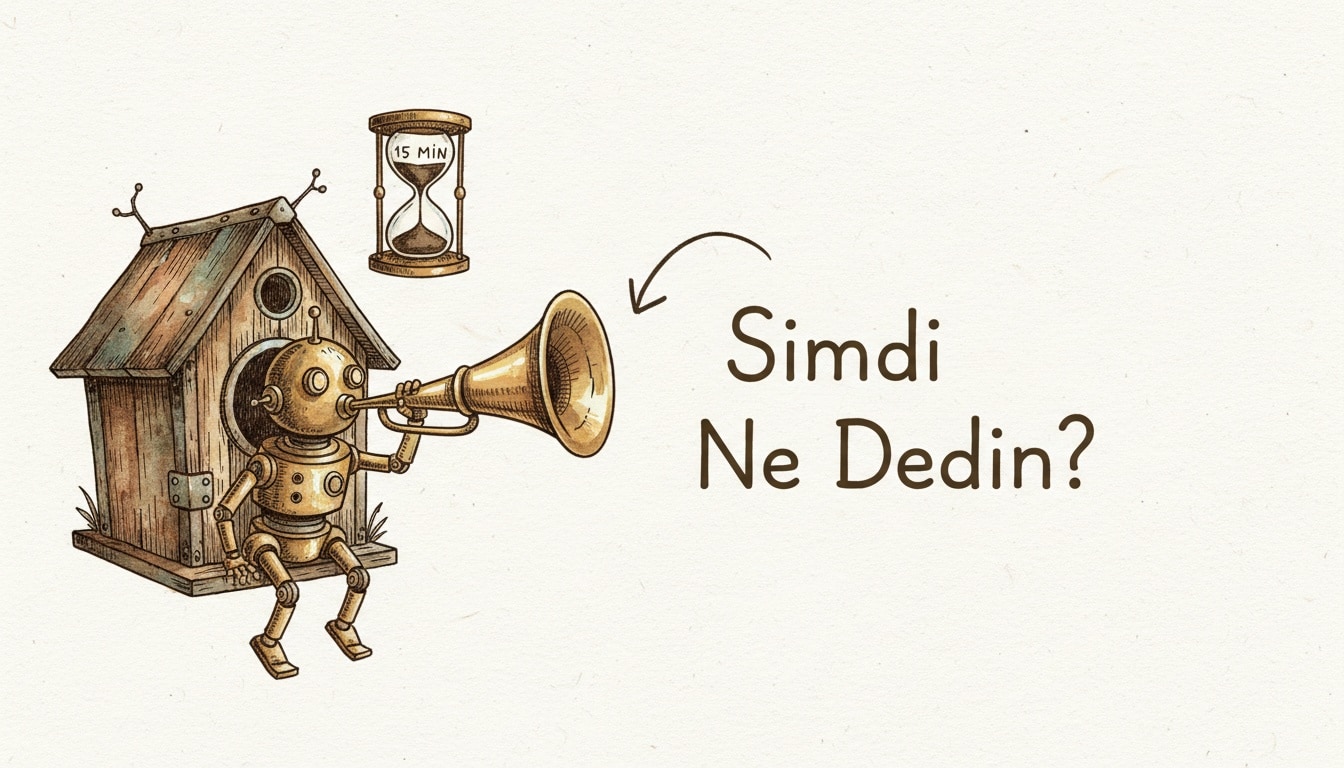
What's new, in one line
If your Google Home devices felt like they'd forgotten what you asked ten seconds ago, that's largely fixed: as of July 23, 2026, Gemini for Home's conversational memory window stretched to 15 minutes, and Gemini Live — the more natural, back-and-forth voice mode — now runs on speakers as old as the first-generation Home Mini and original Nest Hub, according to 9to5Google's report.
What Gemini actually adds over classic Assistant
The old Google Assistant treated every command as a fresh, isolated request. Ask it to lower the thermostat, then ten seconds later ask it to "make it a bit warmer," and classic Assistant had no idea what "it" referred to. Gemini for Home carries context forward: within the 15-minute window, you can adjust a thermostat, then follow up minutes later with "actually raise it one more degree" and it understands the reference without you re-stating the room or the device. The same logic extends to routines — Gemini can chain a multi-step morning routine and adjust one step conversationally ("skip the coffee maker today") without you re-triggering the whole sequence.
The 15-minute memory window, in practice
Fifteen minutes sounds arbitrary until you map it against how people actually talk to a kitchen speaker: a cooking session, a morning routine, a wind-down sequence before bed. Most follow-up requests happen within a few minutes of the original one, and the window is generous enough to cover a typical multitasking stretch without holding onto context so long that the assistant starts misapplying an old instruction to an unrelated new request. It resets on its own after 15 minutes of inactivity, so there's no persistent long-term memory to manage or worry about here — this is short-term conversational context, not the kind of standing personalization you'd configure in Gemini's Gems and Projects.
Which devices actually got the upgrade
Device | Gemini Live support | Notes |
|---|---|---|
First-gen Google Home Mini | Yes (new, July 2026) | Requires Google Home Premium subscription |
Original Nest Hub | Yes (new, July 2026) | Requires Google Home Premium subscription |
Nest Mini, Nest Audio | Already supported | No change |
Nest Hub Max | Already supported | No change |
Newest Google Home Speaker | Already supported | Baseline device for the platform |
The catch worth flagging clearly: Gemini Live on the older, first-generation hardware is paywalled behind a Google Home Premium subscription, not a free firmware update. That's a meaningful shift for anyone who bought a Home Mini in its original 2017 release expecting the hardware itself, not a recurring subscription, to be the whole cost of ownership.
A real conversation, before and after
Picture a Saturday morning routine: coffee, a podcast, then a reminder about the afternoon's errands. Under the old Assistant, that meant three separate wake-word interactions, each treated as a blank slate. Under Gemini for Home, you can start with "play my morning podcast," then a few minutes later say "actually, skip ahead to the part about the interview" and it resolves "the part about the interview" against what it just started playing for you, without you naming the podcast again. It's a small thing in isolation, but it's the accumulation of small things — not having to over-specify every follow-up — that determines whether a smart speaker feels genuinely conversational or just voice-activated menu navigation.
Setup, in short
Enable Gemini for Home from the Google Home app's settings, confirm the device shows the update available, and opt into early access if you're on one of the newly-supported older speakers — some of the July rollout targeted early-access sign-ups before a wider release. No factory reset or re-pairing is required; it's a software update layered onto an existing device.
Privacy controls worth checking before you enable it
Conversational memory means the assistant is retaining more short-term context than it used to, which is a reasonable moment to actually open your Google Home privacy settings rather than assume the defaults are fine. Check what's stored, for how long, and whether voice recordings tied to a session are retained beyond the interaction itself. If you share a smart speaker with a household, remember that a 15-minute memory window is shared across whoever talks to the device next — a housemate's follow-up could land in the context of your earlier request.
Gemini for Home setup + privacy checklist
1. Confirm the device model qualifies (check the support table above)
2. Update via the Google Home app, not a manual firmware sideload
3. Opt into early access if the update hasn't reached your device yet
4. Review data retention settings under Google Home privacy controls
5. Decide whether a shared household speaker needs the memory window
   explained to everyone who uses it
6. Re-check the subscription requirement before assuming an old device
   got a free upgrade
How this fits the rest of the ambient-AI push
Gemini for Home is one piece of a broader 2026 shift toward AI that lives in the room with you rather than on a screen you have to pick up — the same instinct behind AI smart glasses and behind wearables that increasingly track health passively instead of on demand. If you're deciding between Gemini and other assistants for that always-listening role, it's also worth reading how Gemini stacks up against ChatGPT more broadly, since the underlying assistant quality — not just the memory window — determines whether a smart speaker actually saves you time or just adds another thing to repeat yourself to.
Where the gaps still are
Gemini for Home doesn't yet reach every device in the ecosystem simultaneously, older-hardware support is staged rather than universal, and some regions are seeing the rollout later than others. The bigger structural gap is the subscription requirement on legacy hardware — it works, but "free upgrade" isn't the right mental model for what's happening to a nine-year-old speaker.
My take
Stretching memory to 15 minutes is a small number that fixes a genuinely annoying, everyday failure mode — nobody wants to re-explain "the bedroom" every time they issue a follow-up command. But putting that improvement behind a subscription on hardware people already paid for, rather than shipping it as a straightforward firmware update, is the part of this rollout that's going to generate more friction than the feature itself resolves.
Frequently Asked Questions
Do I need to buy new hardware to get Gemini for Home's memory update?
No. The update runs on existing devices, including the original Home Mini and first-gen Nest Hub, through a software update in the Google Home app. Gemini Live on that older hardware specifically requires a Google Home Premium subscription, though.
How long does Gemini for Home actually remember a conversation?
Up to 15 minutes of inactivity before the context resets. Within that window, follow-up requests understand references to earlier commands without you restating the device or room.
Is Gemini Live the same as the standard Gemini for Home assistant?
Gemini Live is the more conversational, back-and-forth voice mode within Gemini for Home. Both share the same underlying assistant, but Gemini Live is designed for a more natural, less command-and-response style of interaction.
Does this update change how my smart home routines work?
Yes, incrementally — you can now adjust or skip a step in a multi-step routine conversationally, without re-triggering or manually editing the whole routine.