@ahmetcantryk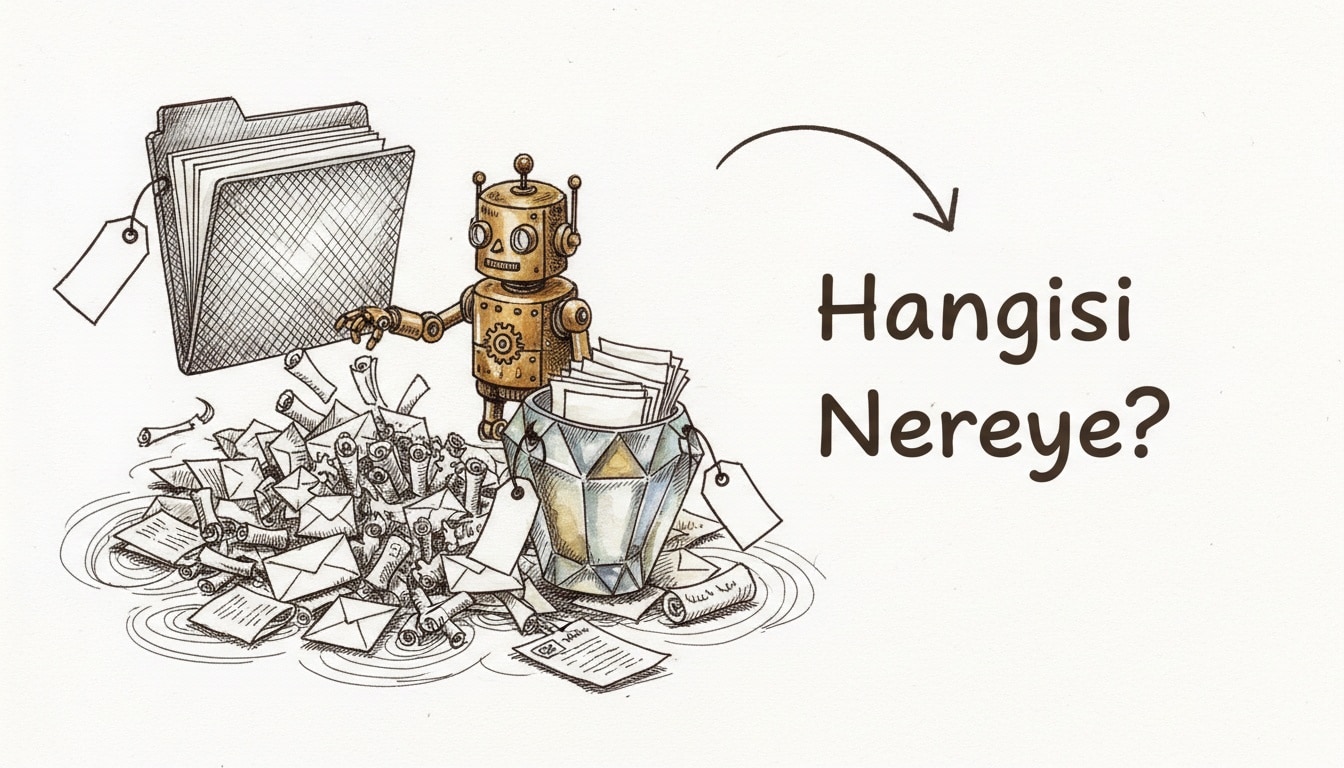
Ask most people how many chats they've opened across three different AI tools this week and they genuinely couldn't guess. The problem isn't a lack of tools: Claude and ChatGPT already have Projects, Gemini already has Gems. The problem is using both the same way without realizing they're built on two different organizing principles.
Two Different Organizing Principles
Claude Projects and ChatGPT Projects wrap around an engagement: a container stocked with shared files and instructions, holding many chats inside it. It's a natural fit for work with a boundary — "this client," "this campaign" — where everything shares the same context and files, and the whole thing can be archived once it wraps.
Gemini Gems (and ChatGPT's Custom GPTs) wrap around a persona instead: an assistant you configure once with instructions and optional knowledge files, then reuse whenever that role comes up. Gemini has no real Projects equivalent — Gems are built entirely around persona.
To make the distinction concrete: "December tax filing" behaves like a project — it has a deadline and specific files. "Editor that simplifies contract language" behaves like a persona — it never really ends, and gets called back for every new contract.
When to Set Up a Project vs a Gem/Custom GPT
Situation | Right tool | Why |
|---|---|---|
A specific client/campaign, multiple files | Project (Claude/ChatGPT) | Files and context need to be shared, chat count doesn't matter |
A recurring role (editor, code reviewer, brand voice) | Gem/Custom GPT | Instructions stay fixed, input changes each time |
Short-lived, one-off research | Neither needed | A regular chat is enough |
An assistant meant to be shared team-wide | Custom GPT (publishable to the GPT Store) | Neither Claude Projects nor Gemini Gems has public-sharing infrastructure |
Gemini's standout feature is live Google Drive integration: where a file uploaded to a Custom GPT stays static, a Google Doc connected to a Gem updates the moment you edit the source document. That distinction matters if you're working off a source of truth that changes constantly rather than a fixed reference file.
File and Knowledge Limits
All three systems support file uploads, but the limits and behavior differ. Files in a Claude Project are shared across every chat inside that project; ChatGPT Projects work similarly. Custom GPTs ship with shared files and instructions and can also be published — Plus or Team subscribers can publish their own Custom GPT to the GPT Store. Gems' distinguishing feature is the live Drive connection instead of a static file.
The practical takeaway: if your source document changes constantly (a weekly-updated price list, say), a Gem creates less friction; if your reference set is fixed (a contract template, a brand guide), all three work equally well.
The Single-Model Lock-In Caveat
There's an important constraint worth flagging here: all three systems lock to a single model family. A Claude Project only ever runs Claude, a Gem only ever runs Gemini, a Custom GPT only ever runs whatever model sits under ChatGPT. If you prefer different models for different tasks — say, reaching for a model with a 1-million-token context window for long-context work — that means rebuilding the same project across multiple tools, since none of them are portable across model families.
That lock-in also amplifies the tone-and-instruction consistency problem we covered in our guide to custom instructions across ChatGPT, Claude, and Gemini: you end up setting up the same brand voice three separate times in three separate tools, because none of them import another's instruction set.
A Folder Structure Template
The most practical way to prevent chaos is to reflect the project/persona split directly in your naming convention:
📁 Projects (engagement-based, has an end date)
  ├── 2026-07-client-x-onboarding
  ├── 2026-q3-product-launch
  └── tax-filing-2026

🔧 Personas / Gems / Custom GPTs (persistent roles)
  ├── contract-editor
  ├── code-reviewer
  ├── brand-voice-assistant
  └── weekly-report-summarizer

🗑️ Archive (closed projects, delete after 90 days)
Move a project to the archive when it wraps up — don't delete it. As we noted in our guide to research with NotebookLM, a closed project's files sometimes turn out to be useful again in a completely different context months later. Personas, on the other hand, never really close; they just sit quiet between uses.
In my view, the real discipline is asking yourself "is this an engagement or a role?" before you open a new chat. That one question saves you from months of hunting for "which chat was that in" later.
Moving From Chaos to Order
If you already have months of accumulated, disorganized chat history, a gradual transition creates less friction than starting over. First, list out active engagements and recurring roles separately — that list usually turns out shorter than expected, because most old chats already belong to work that's closed. Then convert active engagements into projects and recurring roles into a Gem or Custom GPT; don't try to migrate old chats, just route new work into the right bucket going forward.
The most common mistake in this transition is cramming everything into one "general-purpose" project or Gem. The broader a project's scope gets, the less relevant its shared files become, and the model struggles to tell which file relates to which question. A handful of narrow, clearly scoped projects consistently outperforms one broad, blurry one.
Privacy and Access Differences
There's another overlooked difference between the three systems: where and how your files actually live. Files uploaded to Claude Projects and ChatGPT Projects sit statically within that platform's own infrastructure; Gemini's Drive integration instead maintains a live connection rather than copying the file, meaning that whenever access permissions on the Drive file change, what the Gem can see changes automatically too. If you're working with sensitive documents, that live connection's sharing settings are worth checking separately — a static upload doesn't carry that risk, because once a file is uploaded it's no longer affected by permission changes at the source.
Frequently Asked Questions
Is there a practical difference between Claude Projects and ChatGPT Projects?
Both run on the same core logic: a container stocked with shared files and instructions, holding multiple chats. The real differences are which model family you're locked to and the file/integration details — the organizing principle is identical.
Can I use a Gem the way I'd use a Project?
Technically yes, but it fights the natural shape. Gems are built around a persistent persona; cramming a file-heavy job with a specific deadline into a Gem means rewriting its instructions for every new job, which erases the convenience a Project would have given you.
Who can use a Custom GPT published to the GPT Store?
Anyone with a Plus or Team subscription can publish their own Custom GPT, and any of the millions of Custom GPTs already in the Store can be discovered and used by other users. Claude Projects and Gemini Gems have no equivalent public-sharing infrastructure.
What should I do if I prefer different AI models for different tasks?
Model lock-in is a real constraint, so you may need to set the same work up in parallel across multiple tools. Keeping your instruction text in one source document and copying it into each tool at least helps you preserve tone consistency across them.