@ahmetcantryk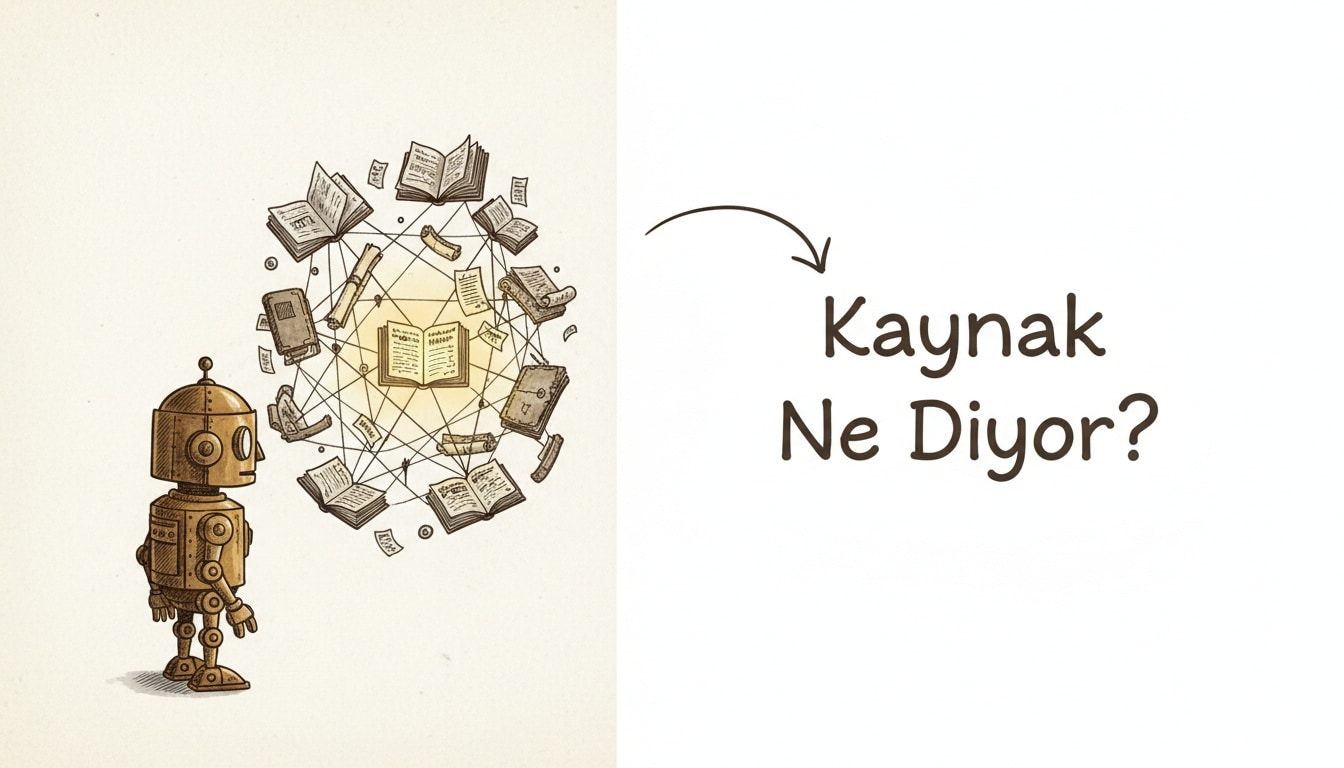
Can NotebookLM actually work as a second brain for research?
Yes, with one condition: it only knows what you feed it. NotebookLM answers strictly from the PDFs, docs, and links you upload, and every claim links back to the exact source passage. Google renamed the product Gemini Notebook in July 2026, though most people still call it NotebookLM — the name we'll use throughout this guide, since it's still what most readers search for.
How is this different from a regular chatbot?
Ask ChatGPT or a standard Gemini chat a question, and the model blends training data with whatever it can pull from the web, often without a clear trail back to a source. NotebookLM flips that: you upload the material first — a paper, lecture notes, a report, a meeting transcript — and the model answers only from those sources, attaching a small citation marker to each claim. Click it and you jump straight to the passage it came from. This is the distinction that often gets lost in the Gemini vs ChatGPT debate: general-purpose chatbots imply they know everything, while NotebookLM deliberately says "I only know what you gave me."
What can you actually upload as a source?
With any free Google account, you can add PDFs, Google Docs and Slides, Word files, audio recordings, YouTube links, web page URLs, or pasted text directly into a notebook. The free tier caps you at several dozen sources per notebook, which is plenty for a literature review or a project's documentation set. My practical tip: group five to ten sources on the same topic into one notebook — NotebookLM cross-references them and will flag where two sources actually disagree.
What do Audio Overviews and Video Overviews do?
Audio Overview turns your uploaded sources into a podcast-style conversation between two AI "hosts" — useful for absorbing a long report during a commute. The May 2026 Gemini 3.5 engine update noticeably improved the pacing and naturalness of these audio summaries. The newer Video Overviews feature, built on Veo 3, turns your source material into a cinematic video walkthrough — but it's currently limited to Google AI Ultra subscribers, not available on the free tier.
Feature | Free tier | Google AI Ultra |
|---|---|---|
Source-grounded Q&A with citations | Yes | Yes |
Audio Overview | Yes | Yes |
On-the-fly mind maps | Yes | Yes |
Learning Guide (flashcards, quizzes) | Yes | Yes |
Deep Research (open-web search) | Yes (limited) | Yes (expanded) |
Cinematic Video Overview (Veo 3) | No | Yes |
How do the Learning Guide, flashcards, and quizzes work for students?
NotebookLM's Learning Guide feature set automatically generates topic summaries, flashcard decks, and short quizzes from your uploaded lecture notes or reading material. Flashcards track your progress with "Got It" / "Missed It" tagging, and the tool remembers which topics you're consistently missing so you can circle back. For students cramming a broad syllabus before an exam, this saves considerable time compared to manually summarizing every chapter yourself.
What changed in the big 2026 upgrade wave?
Between October 2025 and June 2026, NotebookLM picked up three major capabilities in quick succession:
- Deep Research (November 2025): You no longer have to supply every source yourself — this agentic mode searches the open web on its own and compiles a citation-backed report. What used to be a "you find it, I'll summarize it" tool now does the finding, too.
- Gemini 3.5 engine (around Google I/O 2026, May 2026): Sharper reasoning, plus a refresh to Audio Overview pacing and delivery.
- Video Overviews: Cinematic, Veo 3–powered video summaries, currently gated to Google AI Ultra.
Together, these moved NotebookLM from a tool that summarizes what you hand it to one that can go find its own sources first. For a fuller changelog, see Glasp's NotebookLM 2026 roundup and Google's official Workspace Updates post.
Source-grounded queries reward specificity — a narrow, well-scoped question beats a vague one every time:
Good prompt: "According to the methodology section in Source 3, what was
the sample size, and does it conflict with the findings in Source 1?"

Weak prompt: "What do you think about this topic?"
Where does it fall short, and what shouldn't you trust blindly?
Here's my honest take: calling NotebookLM a true "second brain" is a bit premature. The citation system builds trust, but the tool can still misread an ambiguous or dense passage — especially with tabular data, footnotes, or documents that cross-reference each other. A citation link pointing at the right passage doesn't guarantee the interpretation of that passage is correct. Treat any high-stakes output — a thesis claim, a business decision, a legal summary — as something to verify against the source itself before you act on it. It's better used as a research assistant than as a final arbiter.
A concrete study-and-research workflow
Whether you're prepping a research topic or studying for an exam, this sequence works well:
- Open a new notebook and upload five to ten primary sources — lecture notes, papers, reports.
- Run Deep Research to fill gaps with open-web sources, then add the useful ones back into the notebook.
- Ask for a general summary and a mind map to get the shape of the topic.
- If you're studying for an exam, generate flashcards and quizzes from the Learning Guide, and revisit anything marked "Missed It."
- Listen to the Audio Overview during a commute or workout as a spaced-repetition pass.
- Verify every claim you plan to write down by clicking its citation and checking the original passage.
Pairing this workflow with the principles in our learn coding with AI guide — treating AI as a verifiable assistant rather than a teacher of record — can speed up both research and study sessions. If you're evaluating the wider Gemini ecosystem for work, see how Gemini Gems handle custom business assistants and check our coverage of the newer Gemini 3.6 Flash and 3.5 Flash Lite models. For general web research, our Perplexity vs Google AI search comparison is a useful companion. More productivity guides live in our career and productivity category.
Frequently Asked Questions
Is NotebookLM free to use?
Yes, it works free with any Google account. Newer features like Cinematic Video Overviews are currently limited to Google AI Ultra subscribers.
Is NotebookLM the same product as Gemini Notebook?
Yes. Google renamed it Gemini Notebook in July 2026; the functionality is unchanged, only the brand name shifted. Most people, and most search traffic, still refer to it as NotebookLM.
Does Deep Research make uploading your own sources unnecessary?
No, it complements it. Deep Research can find and cite new material from the open web, but the most reliable results come from combining your own hand-picked primary sources with what Deep Research finds.
Can I trust NotebookLM's citations without double-checking?
Not entirely. A citation guarantees it's pointing at the right passage, not that its interpretation of that passage is correct. Verify anything high-stakes against the original source.