@ahmetcantryk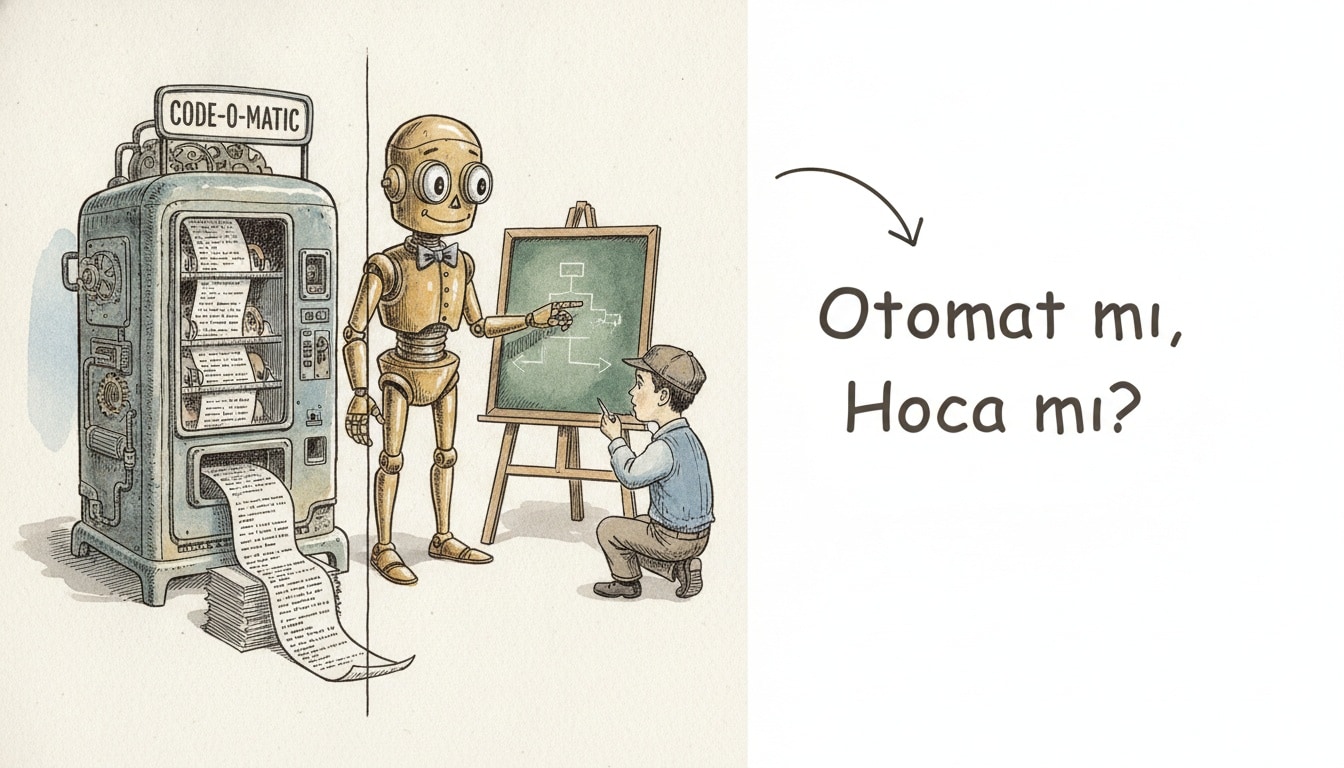
In February 2026, Anthropic published a study that should be taped above every beginner's desk: developers who leaned on AI to generate code scored 17% lower on comprehension tests when learning a new library. The same study found the opposite for learners who used AI only for conceptual questions — they scored 65% or higher, while those who delegated the coding fell below 40%. Same tool, opposite outcome.
That gap is the whole game. The fastest way to learn coding with AI is to treat the model as a tutor you interrogate, not a vending machine you copy from — ask it to explain, quiz you, and review your code, but write the code yourself first. This guide covers what works in July 2026: the AI study loop, the prompts that build understanding, and the copy-paste trap that quietly stalls most beginners.
What does it mean to learn coding with AI?
Learning to code with AI means using large language model assistants as an always-on tutor, pair programmer, and code reviewer while you still do the thinking and typing yourself. The goal is deeper understanding at a faster pace, not finished code you cannot explain. AI compresses the feedback loop; it does not replace practice.
The distinction matters. A calculator speeds up arithmetic only if you already understand the operation; AI works the same way for code. The Anthropic skill-formation research put numbers on it: the mode of use, not the tool, decides whether you get smarter or just faster at pretending.
Does using AI make you a worse programmer?
Not by itself. AI hurts you only when you let it replace the struggle that builds skill. Learners who use AI to explain and check their work improve faster; those who use it to produce and paste develop a fragile, illusion-of-competence understanding that collapses in interviews and real bugs.
The line we draw with the developers we coach:
- Skill-building use: asking why an error happens, requesting a hint, having AI review code you wrote, generating practice problems.
- Skill-eroding use: pasting the assignment, copying the whole answer, shipping code you cannot read line by line.
The tool is identical; the habit decides the outcome.
How do you set up an AI-assisted learning loop? (8 steps)
This is the loop we give beginners moving from tutorials to real skill. Keep each cycle to one concept so feedback stays tight.
- Pick one concept. Something small and concrete, like array methods or recursion, not "learn Python."
- Read the primary source first. Skim the official docs or a trusted course before you prompt, so you have a mental model to correct.
- Write code by hand. Attempt the exercise yourself, wrong answers included. The struggle is the point, not a detour.
- Ask AI to explain, not solve. When stuck, request a hint or a conceptual explanation, never the full solution on the first ask.
- Have AI review your code. Paste your working attempt and ask what is wrong, what is unidiomatic, and why.
- Rebuild from memory. Close everything and rewrite the solution without help. If you cannot, you have not learned it yet.
- Generate practice variations. Ask for three harder versions of the same problem and solve them cold.
- Explain it back. Teach the concept to the AI in your own words and let it catch your gaps.
Do not skip step 6. Rebuilding from memory converts a passive read into a skill you own — the same active-engagement pattern that put the high-scoring group above 65% in the study.
Which prompts actually build understanding?
The best learning prompts make you think before and after the model answers. Vague prompts like "write a login form" produce code you skim and forget; targeted prompts turn the model into a Socratic tutor.
Goal | Weak prompt | Strong learning prompt |
|---|---|---|
Understand an error | "Fix this error" | "Explain what this error means and why my code triggers it, but don't fix it yet" |
Learn a concept | "Explain closures" | "Explain closures with one tiny example, then give me a bug to find that uses one" |
Review your code | "Is this good?" | "Review this function for correctness and idiom; list issues without rewriting it" |
Practice | "Give me a project" | "Give me a 30-minute exercise on this concept, hint only if I ask" |
Check understanding | (none) | "I'll explain this in my own words; tell me what I got wrong" |
The pattern: keep the model from doing the part your brain needs to do. Ask for hints, reviews, and questions; save full solutions for after you have tried.
From the field: the copy-paste trap and how learners escape it
The most common failure we see is fluency theater. A learner builds an impressive app in a weekend by pasting AI output, feels unstoppable, then freezes when a whiteboard asks them to reverse a linked list by hand. The app was never their skill; it was the model's.
We caught this early with a bootcamp cohort: two groups used the same AI tool and curriculum, but one had to rebuild every solution from memory while the other could paste. Here is the check we added to force retention:
# The "rebuild gate" we made learners pass before moving on.
# Close all tabs. Reimplement from memory. If you can't, you don't move on.

def two_sum(nums, target):
    seen = {}
    for i, n in enumerate(nums):
        if target - n in seen:
            return [seen[target - n], i]
        seen[n] = i
    return []

# Rule we enforced: you may ask AI to REVIEW this after you write it,
# never to WRITE it before you try. The hash-map insight has to be yours.
Four weeks later the rebuild group passed live coding checks at nearly double the rate. It echoes what we learned about AI coding assistant mistakes: the most dangerous AI output is the code that works, because it hides the fact that you learned nothing.
Which AI tool should you learn on in 2026?
The market moved fast this year, so pick for the job, not the hype. Claude Sonnet 5 landed June 30 at near-Opus quality. As of July 2026, the sensible defaults for a learner:
Tool (July 2026) | Best for learning | Entry price | Note |
|---|---|---|---|
ChatGPT (GPT-5.5) | Step-by-step explanations, "why" questions | $20/mo Plus | Released Apr 2026; strongest at teaching-style dialogue |
Claude (Sonnet 5 / Opus 4.8) | Code review, reading large examples | $17/mo Pro (annual) | Sonnet 5 shipped Jun 30 at near-Opus quality; Pro includes Claude Code |
GitHub Copilot | In-editor autocomplete | $10/mo Pro | Now routes to Opus 4.8, GPT-5.5, and Gemini 3.1 Pro — add it after fundamentals |
Cursor | Agentic, whole-file edits | Free tier | Powerful, but the least beginner-friendly; it does too much for you |
My opinionated take: start in a chat window, not an editor. Copilot and Cursor are brilliant once you can read their output, but early on they short-circuit the thinking a beginner needs to build.
The most common mistakes when learning to code with AI
- Pasting before trying. You skip the struggle that builds the neural pathway. Try first, always.
- Accepting code you cannot read. If you cannot explain every line, you have imported a bug you will not recognize later.
- Skipping the fundamentals. AI lets you fake syntax you never learned; the gap surfaces in interviews and production.
- Trusting explanations blindly. Even Opus 4.8 and GPT-5.5 still hallucinate APIs and confidently wrong reasoning. Verify against the docs.
To go deeper, see the junior-to-senior developer path, preparing for a technical interview, prompt engineering patterns, and how to boost productivity with AI tools once your basics are solid. For the full cluster, visit the career and productivity hub.
Frequently Asked Questions
Can I learn coding with AI if I'm a complete beginner?
Yes, and it is one of the best times to start. Use AI as a patient tutor that explains errors and answers "why" questions instantly, but pair it with a structured course or the official docs so you build a real foundation. Your biggest risk is pasting code you cannot read, so write every line yourself and rebuild each exercise from memory.
How long does it take to learn coding with AI?
Roughly the same calendar time to reach solid competence, but with a tighter feedback loop you cover more ground per hour. Expect three to six months of consistent daily practice to become job-ready on fundamentals. AI removes the hours you lose stuck on typos and unclear errors; it does not remove the reps that build skill.
Which AI tool is best for learning to code?
As of July 2026, start with a chat-based assistant like Claude (Sonnet 5) or ChatGPT (GPT-5.5) for explanations, reviews, and generated exercises — conversation is where learning happens. Add in-editor completion like GitHub Copilot only once your fundamentals are solid; the tool matters less than the habit of writing code yourself first.
Will AI replace the need to learn programming fundamentals?
No. AI generates code, but you still have to read it, verify it, debug it, and decide whether it is right — all of which requires real fundamentals. Learners who skip the basics hit a hard ceiling the moment a bug goes beyond what the model can one-shot. Fundamentals are what let you supervise AI instead of depending on it.