@ahmetcantryk
Growing a YouTube channel without ever stepping in front of a camera, showing your face, or even using your own voice was a niche trick five years ago. In 2026 it is a full-blown industry. The numbers back it up: faceless channels now make up 38% of all new creator monetization ventures, up from 12% in 2022. From finance to horror stories to "did you know" explainers, plenty of channels are pulling six-figure annual revenue without ever posting a single selfie.
This guide skips the hype and gets to the real stuff: which tools actually work, where the money comes from, what YouTube's new AI rules banned, and why most people who start this quit within six months.
What "faceless" actually means
The word "faceless" is a little misleading. The goal isn't to hide a face; it's to shift the center of gravity of your personal brand away from your face and onto the content itself. Think of a documentary narrator: you never see them, but their voice and editing are the brand. Faceless channels work the same way — the narration, the visual rhythm, and the niche expertise carry the show, while the creator's identity stays in the background.
What AI did here was collapse the cost. A 10-minute video used to mean a $500+ budget and 3–5 days of editing. Today the same video fits into under $3 and 2–4 hours of part-time work. That cost collapse is exactly what turned this from a hobby into a scalable model.
The 2026 tool stack
A faceless channel usually runs through a four-layer pipeline: script, voice, visuals/video, and editing. Each layer has a clear "winner" tool — but there's no single magic button. The real difference lives in your editorial decisions.
The script layer
The script is still the brain of the operation. Models like ChatGPT and Claude are good at drafting, but raw output is not publish-ready. You have to feed the prompt your channel's voice, recurring formats, and niche knowledge. We covered how to run AI like a small writing team in our guide to using Claude for social media.
The voice layer
On a faceless channel, the voice is quite literally the whole show. The market leader here is clear: ElevenLabs produces the most natural, well-inflected narration on the market. Pricing is character-based — the Starter plan begins at $5/month (30,000 characters) and Creator is $22/month (100,000 characters). This is the single most important place to invest; a robotic voice makes even the best script unwatchable.
The video and avatar layer
On the visual side you have two roads. The first is stock footage and B-roll for pure narration channels; the second is a talking avatar. HeyGen offers the closest thing to a one-tool faceless pipeline, turning a script into a captioned video with B-roll; its Avatar IV generation leads on talking-head realism with facial micro-expressions and gesture control. It has a free tier, and the Creator plan works out to about $24/month on annual billing. Its rival Synthesia is strong on corporate training and multilingual avatars.
In practice the combination that works best is this: generate the voice in ElevenLabs, export the audio, then sync it with an avatar in HeyGen. That pairing delivers a serious quality jump for around $35/month combined.
The editing layer
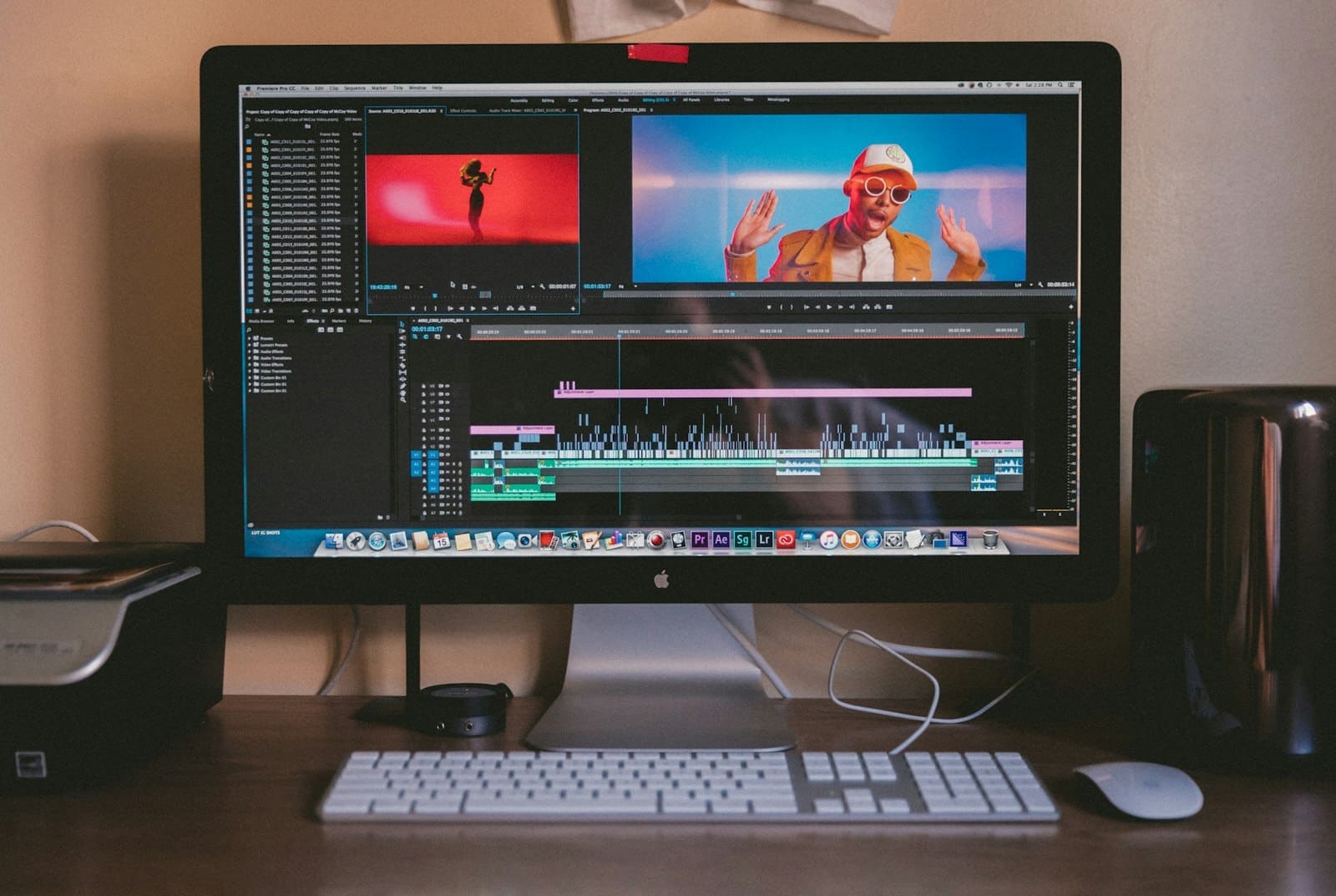
Descript changed the game in editing: thanks to text-based editing, when you edit the transcript the video cuts with it. Filler-word removal, auto-captions, voice cloning, and screen recording are all built in, and the Creator plan is $24/month. On the short-form side (Shorts/Reels), CapCut Pro is still a fast and cheap option.
Tool comparison table
Layer | Standout tool | Approx. monthly cost | Best for |
|---|---|---|---|
Script | ChatGPT / Claude | $0–20 | Drafts, titles, channel voice |
Voice | ElevenLabs | $5–22 | Realistic narration, multilingual |
Avatar/Video | HeyGen / Synthesia | $24–49 | Talking avatar, auto B-roll |
Editing | Descript / CapCut | $0–24 | Edit-by-text, captions, Shorts |
Visuals | AI image tools | $0–20 | Covers, thumbnails, scene art |
We compared which image tool shines for which job in our best AI image generators of 2026 guide; since thumbnails directly drive click-through rate, never leave them for last.
Where the money actually comes from
The biggest misconception is that the money is all AdSense. In reality the winning channels diversify — and the only group that survives long-term is the one that isn't hostage to the algorithm.
Ad revenue (AdSense). Your niche sets the RPM. Finance and tech channels can command $15–40 per 1,000 views, while general entertainment sits far lower. Shorts pay in the $50–500 per million views band — low, but recoverable through volume.
Affiliate revenue. This is the quiet winner. Educational content creators average around $15,000/month from affiliate commissions, because dropping the right tool link under a "did you know" video converts viewers without any hard sell.
Sponsorships. A channel with 10–50k subscribers earns $200–1,000 per video, while channels above 100k can hit $3,000–10,000 per video, and monthly retainer deals run $2,000–20,000.
Digital products. Ebooks and courses in the $27–497 range add a stable layer with a 1–3% conversion of your email list.
A realistic picture: beginners typically make $500–3,000/month in the first 6–12 months, and established channels sit in the $5,000–25,000 band. Only 4% of creators clear $100,000 a year — and the shared trait among them is that none depend on a single income stream.
YouTube's new AI rules: the part that actually matters
Most people entering this talk about tools but skip the thing that actually kills channels: policy. YouTube updated its AI content policy in January 2026, and two headlines stand out.
Mandatory disclosure. When you upload synthetic or altered content, you must toggle the "altered or synthetic content" label in YouTube Studio. The good news: properly labeled AI content earns the exact same ad RPM as human-made content. Labeling does not cut your revenue.
The "inauthentic content" policy. This is where the real danger lives. Mass-produced, repetitive videos — verbatim text-to-speech over a stock slideshow — face a three-strike system: warning, 90-day suspension, then permanent removal from the Partner Program. And as of June 2026, automated detection runs at the channel level, not just the video level — meaning a single "slop" upload can put your whole channel at risk.
What YouTube calls "AI slop" is precisely this: low-effort content mass-produced from generic templates that adds none of the creator's original perspective. So the rule for building a faceless channel in 2026 is simple — use AI to speed up production, not to outsource the thinking entirely.
Why most channels die within six months
If the tools are this cheap and fast, why is this still hard? Because the part that got easier is production, and the part that got harder is differentiation. When everyone ships videos with the same ElevenLabs voice, the same stock footage, and the same ChatGPT draft, what the viewer sees is a sea of sameness.
The common denominator of the channels that survive is the editorial layer: an original angle, genuinely researched data, a recognizable narrative tone. AI can't produce that layer; it can only package it fast. We looked at which tools shine for which task in our most popular AI tools of 2026 roundup, but remember: tool choice is 20% of the job, and the rest is niche discipline and consistency.
Another quiet killer is the law. Moving forward on voice cloning, real-person likeness, and copyrighted music without knowing the boundaries can end a channel with a single complaint. Cloning someone's voice without permission, or impersonating a brand's identity, means both platform enforcement and genuine legal exposure.
Where to start
A practical starting plan: pick one niche and plan a series of at least 20 videos — a series, not one video. Invest in voice and script quality first, and scale video production later. For the first 10 videos, your goal isn't money; it's building a repeatable production rhythm. Lock in your labeling discipline from day one, because fixing it later is far more expensive.
Here's my take: the winners in this game aren't the ones saying "let AI do this for me." They're the ones saying "with AI I can ship twelve videos a week instead of three, and spend my editorial energy on differentiation." The tool is leverage; the direction is still yours.
Frequently Asked Questions
Can AI content be monetized on YouTube?
Yes. As of 2026, AI videos that are correctly labeled as "synthetic content" earn the same ad RPM as human-made content. What's banned isn't AI itself; it's mass-produced "slop" that adds no original value.
Can I grow a channel without ever using my face or voice?
Yes — that's exactly how most faceless channels work. You can generate narration with tools like ElevenLabs and avatars with tools like HeyGen. But the editorial angle and niche expertise that create differentiation still have to come from you.
What monthly budget do I need to start?
A minimal quality pipeline can be built for roughly $35–70/month: ElevenLabs for voice, plus HeyGen or Descript for video. Don't jump to expensive plans early; first prove your production rhythm and that your niche lands.
What's the biggest risk?
Two stand out: YouTube's "inauthentic content" policy now runs at the channel level, so a single mass-produced video can jeopardize the whole channel; the second is legal traps like unauthorized voice cloning and copyright. Take both seriously from the start.