@ahmetcantryk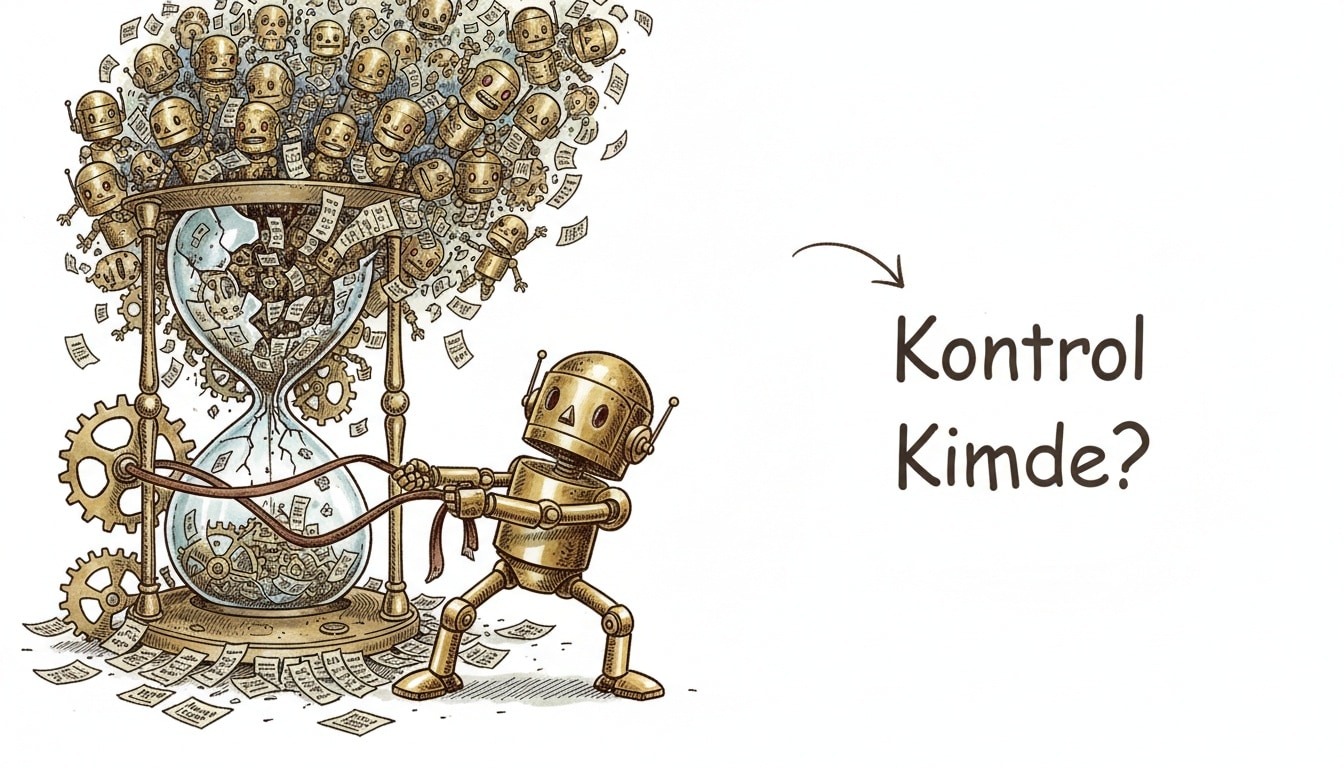
Claude Code shipped two releases on back-to-back days, July 17 and 18, 2026, that cap subagent spawns and WebSearch calls at 200 per session by default, specifically to stop multi-agent loops from spiraling and burning through token budgets unattended.
What Shipped in v2.1.212
Released July 17, Claude Code v2.1.212 introduced two new default ceilings. First, it caps WebSearch tool calls at 200 per session, tunable via CLAUDE_CODE_MAX_WEB_SEARCHES_PER_SESSION. Anthropic's own changelog says this exists explicitly "to stop runaway search loops." Second, it caps total subagent spawns at 200 per session, tunable via CLAUDE_CODE_MAX_SUBAGENTS_PER_SESSION, added "to stop runaway delegation loops." Running /clear resets that budget for a fresh session.
The same release quietly fixed a third pain point: MCP tool calls that run longer than two minutes now move to the background automatically instead of freezing the session. That threshold is configurable through CLAUDE_CODE_MCP_AUTO_BACKGROUND_MS.
What Shipped in v2.1.214
A day later, on July 18, v2.1.214 landed on two fronts at once. First, a new EndConversation tool: Claude can now end a Claude Code session outright when it hits highly abusive users or jailbreak attempts. That capability already existed on claude.ai since 2025 — this is its first appearance inside Claude Code itself.
Second, and more urgently, the release fixed a permission-check bypass affecting commands run inside Windows PowerShell 5.1 sessions. Several related permission-check edge cases were patched in the same pass: Bash permission checks now fail closed on file-descriptor redirect forms the analyzer previously misjudged; commands longer than 10,000 characters always prompt instead of auto-running; zsh variable subscripts and modifiers inside [[ ]] comparisons are no longer treated as inert text and now trigger a prompt; and docker commands (including the Podman docker shim) carrying daemon-redirect flags like --url, --connection, or --identity now require explicit permission where they previously ran silently.
Why the Fan-Out Problem Is Real
These caps didn't come out of nowhere. The public anthropics/claude-code issue tracker has documented this exact failure mode repeatedly. Issue #68110 describes general-purpose subagents recursively spawning unbounded child agents, causing exponential fan-out and massive token burn. Issue #68619 reports subagent-spawning pattern bugs triggering infinite recursion, infinite token usage, and lost accumulated subagent work.
Anyone who has set up multi-agent orchestration recognizes the shape of this bug: parallel researcher agents, fan-out reviewers, or nested delegation chains, where a single misread instruction turns into "spawn three more subtasks for every subtask." The only existing safeguard before these releases was a hard nesting-depth cap of five — a subagent at depth five simply doesn't get the Agent tool, so it can't spawn further. That depth cap is still there and unchanged, but it never stopped an agent from spawning hundreds of siblings at the same depth. The new v2.1.212 ceilings close exactly that gap with a flat, depth-independent session budget.
Why On by Default Is the Right Call
The interesting design decision here is that these limits ship on by default rather than as opt-in flags. That's the correct call, in my view, because Claude Code now runs unattended or semi-unattended across a lot of teams — inside CI, inside automation scripts, inside overnight research runs. A safety net only works if nobody has to remember to switch it on; it needs to already be there, with raising it a deliberate choice reserved for genuinely large workloads.
It's a similar instinct to why cloud providers ship default account quotas instead of unlimited resource requests out of the box. Nobody expects to hit those ceilings on day one, but a single misconfigured loop can multiply a bill within hours if nothing stops it. For Claude Code, the equivalent "bill" is token spend and model call volume — an unchecked subagent chain or an overnight automation run can quietly rack up thousands of unnecessary calls before anyone notices. A 200-call ceiling doesn't eliminate that risk entirely, but it turns a multi-hour blind spot into something visible within minutes.
What This Means Day to Day
For most everyday Claude Code usage, these ceilings sit well above where anyone would normally bump into them — a routine code review session or a single well-scoped task stays far under 200 subagent spawns. The teams who will actually feel this are the ones triggering Claude Code from automation scripts, running long research jobs, or fanning out many parallel subtasks at once. If that describes your setup, it's worth checking your typical subagent and WebSearch usage right after updating. If you're regularly running close to the new ceiling, the better first move is asking why your workflow needs that many calls, not reflexively raising the limit.
New Defaults at a Glance
Guardrail | Old behavior | New default (v2.1.212+) | Tuning variable |
|---|---|---|---|
WebSearch calls per session | Unlimited | 200 | |
Subagent spawns per session | Unlimited (only a 5-level depth cap existed) | 200 | |
MCP tool calls over 2 minutes | Blocked the session | Auto-backgrounded | |
PowerShell 5.1 permission checks | Bypassable on certain commands | Fixed (v2.1.214) | — |
Tuning the Defaults for Your Workflow
Teams running heavy parallel research or large-scale fan-out code review may find 200 too tight. You can raise these ceilings in your project's .env file or shell profile:
# Raise the defaults for a session that legitimately needs heavy fan-out
export CLAUDE_CODE_MAX_SUBAGENTS_PER_SESSION=500
export CLAUDE_CODE_MAX_WEB_SEARCHES_PER_SESSION=400
export CLAUDE_CODE_MCP_AUTO_BACKGROUND_MS=180000
Resist the urge to set these to something effectively unlimited. Sizing them to a few multiples of your worst realistic case still catches genuine runaway loops while leaving legitimate large jobs untouched. For unattended setups like Auto mode, leaving the defaults as-is is a reasonable first line of defense.
The Security Side: PowerShell and Permission Hardening
The permission-check fixes in v2.1.214 sit in the same category as earlier incidents like the Friendly Fire exploit: edge cases where Claude Code's command analyzer answered "is this command safe?" incorrectly. The PowerShell 5.1 bug mattered most for developers on Windows, where the analyzer let certain command forms skip the permission check entirely. The Docker/Podman daemon-redirect flags and the zsh subscript fixes follow the same underlying principle: when a command's intent is ambiguous, prompt rather than run silently.
Bottom Line
As of July 2026, Claude Code has moved on two fronts at once: cost and reliability, through the subagent and WebSearch ceilings, and security, through the PowerShell and permission-check fixes. If your setup connects to external tools over MCP or spins up many subagents per run, it's worth updating promptly and checking whether your current configuration still fits comfortably under the new defaults.
Frequently Asked Questions
Do these limits apply per subagent or per session?
Per session. The 200 subagent and 200 WebSearch ceilings track the total count across the entire session, regardless of how many branches or how deep the nesting goes. That's separate from the older, unchanged depth cap that stops any single subagent from spawning children past level five.
What happens when a session hits the cap?
Claude Code refuses further subagent spawns or WebSearch calls and tells you the budget is exhausted. Running /clear resets the count and starts fresh; alternatively, you can raise the relevant environment variable and start a new session.
Is the 5-level nesting depth cap still in effect?
Yes, and it's unchanged. A subagent at depth five simply isn't given the Agent tool, so it can't spawn further children. The new v2.1.212 session-wide budgets are additive to that cap, not a replacement for it.
Does the PowerShell fix affect me if I'm not on Windows?
The permission-check bypass itself was specific to Windows PowerShell 5.1 sessions, so macOS, Linux, and PowerShell 7+ setups weren't exposed to that particular bug. The other permission-check hardening in v2.1.214 — Bash redirects, zsh subscripts, Docker daemon flags — is platform-independent and applies to everyone.