@ahmetcantryk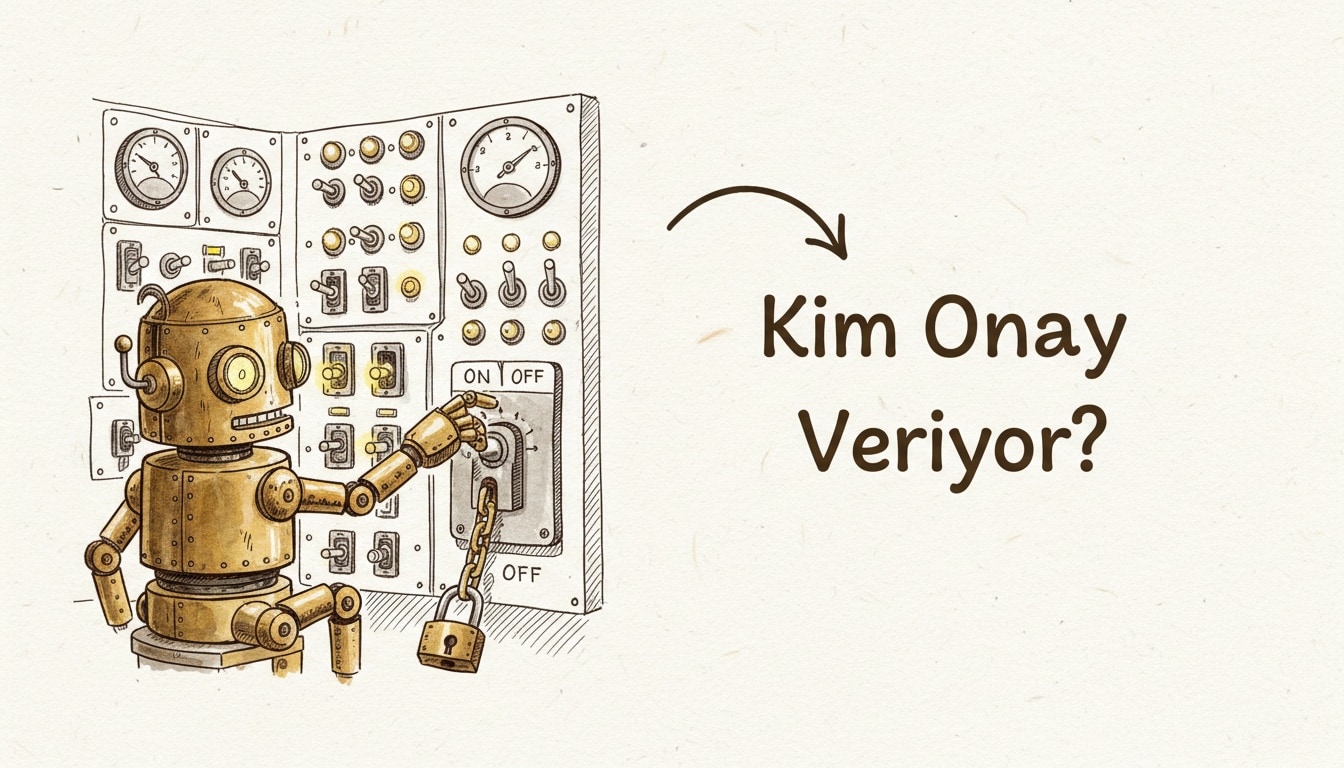
Claude Code Auto Mode is a permission layer where, instead of you clicking "allow" on every tool call, a second Claude instance reads the live conversation transcript and approves or denies each action in real time. Two releases reshaped it in July 2026: v2.1.200 made Manual the default permission mode, and v2.1.207 dropped the enterprise opt-in step for three platform integrations.
What does Auto Mode actually do?
In the default flow, Claude Code pauses before every file write, shell command, and network call and waits for your sign-off. Auto Mode swaps that pause for a second model: it reads the live transcript, weighs the context around the proposed tool call, and approves or denies it without a human in the loop. Think of it as sitting between "always ask" and no guardrails at all — a policy layer that hands the "allow" click to a model-based classifier instead of a person.
The architecture is laid out in Anthropic's engineering post, "How we built Claude Code auto mode: a safer way to skip permissions". The classifier is not a rubber stamp — it behaves like a reviewer, rejecting anything that looks off and letting the rest through without breaking the flow. That distinction matters more now that subagents and background agents spend most of the day running unsupervised — once you have several agents working in parallel, clicking "allow" on each one stops being practical.
That also means Auto Mode is not a "grant once, forget forever" switch. The classifier re-evaluates every proposal fresh; a command pattern it approved last turn can still get denied this turn if the surrounding context changed. That behavior matters most in workflows where agents already auto-commit, push a branch, and open a draft PR on their own — Auto Mode gives you a middle ground between full autonomy and none at all.
Why was it turned off, and why is it back?
Early July 2026 brought Claude Code v2.1.200, which flipped the default permission mode to Manual — every file write, shell command, and network call now requires explicit human approval unless you opt out. The reasoning was concrete: Anthropic's evals found that Auto Mode's classifier missed roughly 17% of overeager or risky actions. Put differently, close to one in six risky calls slipped through unflagged, which is not a tolerable rate for a shared repository or anything touching production. That kind of missed approval is exactly the gap that attack classes like agentjacking try to exploit — an agent overstepping its authority through its own tool calls.
A week later, on July 11, v2.1.207 did not reverse that decision, but it did widen where Auto Mode is reachable. It is now available without the previous CLAUDE_CODE_ENABLE_AUTO_MODE opt-in step on three enterprise-platform integrations: AWS Bedrock, Google Vertex AI, and Microsoft Foundry. The overall default is still Manual — these three platforms just no longer require a flag to turn Auto Mode on.
What changed in v2.1.207?
Released July 11, 2026, v2.1.207 bundles three distinct changes, per the Claude Code changelog:
- The opt-in step is gone. Auto Mode is available on Bedrock, Vertex AI, and Foundry without setting the
CLAUDE_CODE_ENABLE_AUTO_MODEenvironment variable. Teams that want it off can still reach for thedisableAutoModesetting — see the Auto Mode configuration docs for the details. - A silent-consent bug is fixed. In non-interactive runs (
claude -por the SDK), remote managed settings were being permanently recorded as "consented" without ever showing the user the security consent dialog. That is fixed now — the dialog must be shown before consent gets recorded. - The default model changed. On Bedrock, Vertex AI, and Claude-on-AWS, the default model is now Claude Opus 4.8.
The second item reads like a minor changelog line but was a real problem: a managed setting turning into permanent consent without the user ever seeing a dialog is the same failure mode Auto Mode itself is meant to prevent — approval happening somewhere the user cannot see. It is the same category of trust gap we covered in Claude Code's hidden tracking code.
Comparing permission modes
Mode | Who approves | Risk | Best for |
|---|---|---|---|
Manual (default) | A human, per action | Lowest | Production repos, shared environments, first-time setup |
Auto Mode | A second Claude classifier instance | Moderate — evals found roughly a 17% miss rate | Fast-moving, lower-risk internal work; enterprise platform integrations |
permissions.deny | No one — a hard block fires before the classifier is even consulted | Set by the organization, cannot be overridden | Absolute prohibitions: |
How do organizations get hard control over Auto Mode?
permissions.deny is a fixed rule defined in managed settings, and it blocks an action before Auto Mode's classifier is ever consulted. That is the key distinction — neither the classifier nor the user can override it. Anthropic positions this as the recommended way to hard-block genuinely dangerous actions (say, rm -rf, a force-push, or reading a credentials file) regardless of whether Auto Mode is on or off for a given session.
A simple managed-settings example might look like this — illustrative rather than an exact copy of the official schema:
{
  "disableAutoMode": "disable",
  "permissions": {
    "deny": [
      "Bash(rm -rf *)",
      "Bash(git push --force*)",
      "Read(**/.env)",
      "Read(**/*credentials*)"
    ]
  }
}
disableAutoMode lets an organization turn Auto Mode off fleet-wide, so nobody has to flip it manually on every install. permissions.deny is the finer-grained layer underneath it — even with Auto Mode switched on, anything on that list never gets through.
Should you leave it on or turn it off?
I'll admit, after seeing that 17% miss rate, I do not leave Auto Mode on by default in a shared repository. The classifier is fast and mostly accurate, but a blind spot in roughly one out of six risky calls is not something I am willing to accept for anything that touches production.
The practical split looks like this: in a solo sandbox or exploratory environment where mistakes are cheap to undo, Auto Mode saves real time. In a shared repo, a production-facing pipeline, or any enterprise setup with more than one person touching the same environment, keep Manual as the default and harden the genuinely dangerous actions with permissions.deny. Teams on Bedrock, Vertex AI, or Foundry have one more thing to check — after v2.1.207, Auto Mode is reachable without a flag on those platforms, so if you have not deliberately turned it off with disableAutoMode, you may be leaving the door open without meaning to. The same caution applies to browser-driven agents; our Claude in Chrome security guide covers a parallel set of tradeoffs there.
Frequently Asked Questions
What is the core difference between Auto Mode and Manual mode?
In Manual mode, every action waits for your approval before it runs. In Auto Mode, a second Claude instance reads the live transcript and approves or denies the action for you in real time. Manual has been the default since v2.1.200; Auto Mode is an opt-in acceleration layer on top of it.
How do I turn Auto Mode off?
Use the disableAutoMode setting. On an individual install, it disables Auto Mode outright; organizations can set "disableAutoMode": "disable" in managed settings to turn it off fleet-wide, overriding any per-user choice.
Does permissions.deny work differently from the Auto Mode classifier?
Yes. permissions.deny runs entirely independent of the classifier and blocks an action before the classifier is ever asked about it. Neither the Auto Mode classifier nor the user can override that rule, which is why it is the recommended mechanism for genuinely non-negotiable prohibitions.
Is it safe to try Auto Mode?
For low-risk, reversible work, yes — a sandbox repo or a personal project is a reasonable place to start. But since the classifier is known to miss roughly 17% of risky actions in evals, do not treat Auto Mode as your only safety layer on anything production-facing or shared; pin down the absolute prohibitions with permissions.deny regardless of whether Auto Mode is on. For more coverage of how agentic tooling is evolving, see our AI category page.