@ahmetcantryk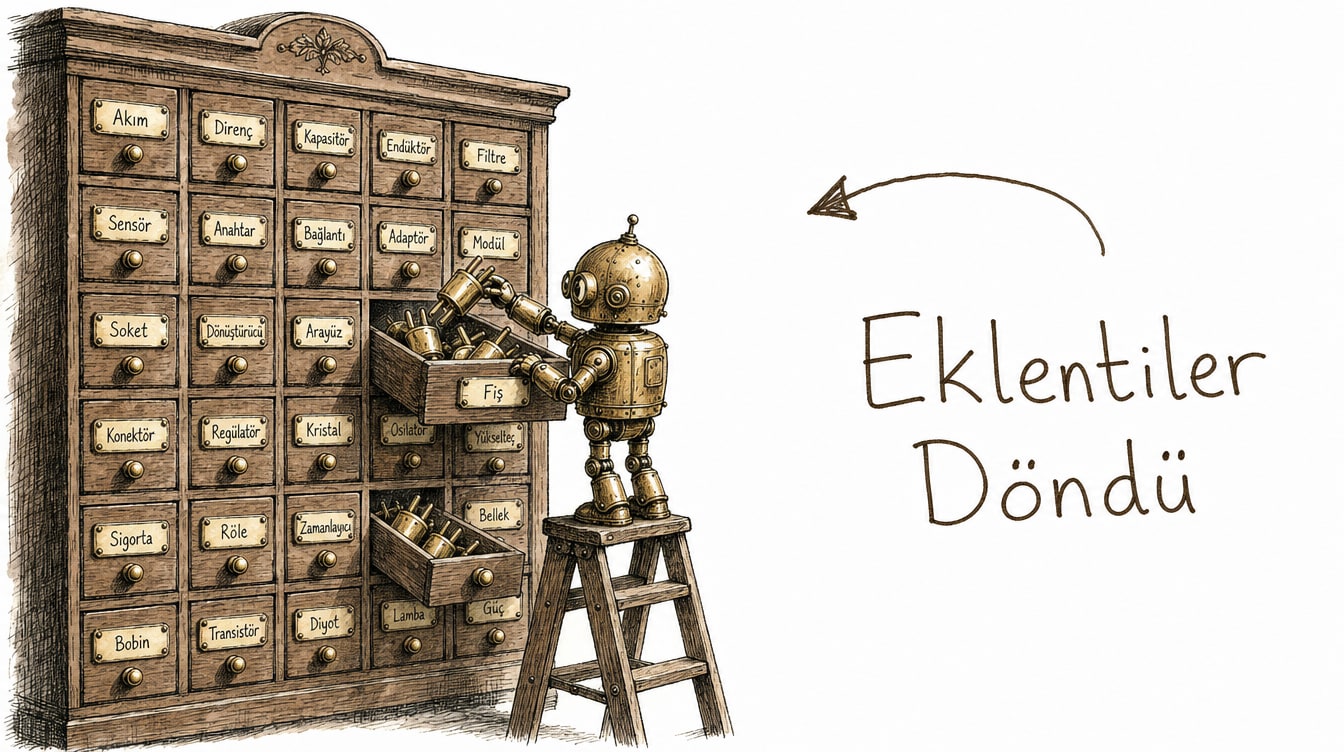
On July 9, 2026, OpenAI replaced ChatGPT's App Directory with a new Plugin Directory and extended plugin support to the desktop app. This isn't just a rename — plugins now bundle apps, skills, and templates under one umbrella, reshaping the integration layer that connects ChatGPT to external data and actions.
What Changed, and Why
Previously, an "app" was the single unit of integration: you connected an app, authenticated it, and ChatGPT could talk to it. In the new model, a "plugin" is a broader concept — it can bundle an app, a skill, or an app template. Your existing app connections aren't affected; you now add new integrations from the directory as plugins, using the same authentication flow as before. According to OpenAI's official help article, existing app connections remain unaffected, and users can add new plugins from the directory, connecting and authenticating the underlying app the same way as before.
Part of the motivation behind this change is that OpenAI rolled out a similar plugin model in Codex as well. A plugin can now run inside Codex's coding environment using the same identity and authorization model it uses in a ChatGPT chat — meaning a single integration investment now works across two different products for developer tooling teams.
The practical upside is that plugin developers are no longer boxed into a single "app" pattern — they can package an entire workflow directly. A plugin might bundle both an action that writes a note to Notion and a "skill" that formats that note, all in one package.
Installing and Invoking with @
Installing a plugin is just picking it from the directory and completing authorization — the auth flow matches the old app-connection flow. Once installed, typing @plugin-name in a chat invokes it directly; ChatGPT usually figures out which plugin is needed from context on its own, but using @ explicitly gives more predictable results, especially once you have several similar plugins installed.
@GitLab summarize the open PRs on this repo from the last 3 daysOfficial Launch Partners
Six developer-ecosystem partners headlined the Plugin Directory launch: Airtable, GitLab, HubSpot, Notion, Supabase, and Vercel. That lineup is a good signal of how seriously OpenAI is taking the developer side of the directory — all six are already API-first products that map naturally onto a "talk to it and get things done" interface.
Partner | Typical use case |
|---|---|
GitLab | PR summaries, issue tracking, CI status checks |
Notion | Creating and searching notes/docs |
Airtable | Updating tables, querying records |
Supabase | Querying database schema, project status |
Vercel | Triggering deploys, inspecting build logs |
HubSpot | Updating CRM records, querying leads |
Safety and the Permission Model
When a plugin accesses your data or performs an action — deleting a record, triggering a deploy — it asks for approval on each step; authenticating once doesn't hand it unlimited authority. For risky actions (deleting data, triggering payments), not skipping that approval step matters, and on team accounts, regularly reviewing who's using which plugin with what permissions is worth the overhead.
A practical rule: read-only plugins (search, lookups) are safe to try freely, but anything with write or delete permissions is worth testing on a staging environment or a low-stakes dataset first.
On team accounts, an admin can see, from a central panel, which member installed which plugin and with what scope of permission. That visibility matters most on teams larger than ten — otherwise a plugin an engineer installed "just for testing," with write access, can stay active for months without anyone noticing.
Workflows Worth Setting Up First
If you're new to the Plugin Directory, the three installs that tend to pay off fastest are: GitLab for dev teams (PR and issue summaries), Notion for documentation-heavy teams (auto-structuring meeting notes), and HubSpot for sales/marketing teams (lead summaries, follow-up reminders). Installing those and using them for a real week tells you which plugins actually fit your workflow faster than scrolling through dozens of options in the directory.
We broke down which plan fits which user in our ChatGPT complete guide; plugin access is currently available on all paid plans, while the free tier is limited to a small set of read-only plugins. OpenAI also moved on the authentication side the same week — our piece on Sign in with ChatGPT covers how the two updates complement each other: plugins carry the data access, Sign in with ChatGPT carries the identity.
Not the Same Thing as MCP
Don't confuse the Plugin Directory with Model Context Protocol, which we covered separately. MCP is an open, provider-agnostic protocol for connecting a model to external tools and data. ChatGPT's Plugin Directory is OpenAI's own curated, product-specific directory experience. In practice, many plugins may use an MCP-like tool-calling mechanism under the hood, but the user experience and distribution model are completely different — one is an open standard, the other is OpenAI's own curated gate. As AgentDiscoverability's definition of a ChatGPT plugin puts it, a plugin relies on a manifest file that describes when and how the model should call an external API — conceptually close to how an MCP server describes itself, but the distribution channel is entirely under OpenAI's control.
A Note for Plugin Developers
If you're building a plugin, the acceptance bar for the directory is stricter than it was under the App Directory. OpenAI now runs a more thorough security review, especially for plugins requesting write or delete permissions — that can lengthen the time it takes to get listed, but it's a trade-off that builds more user trust. If your plugin only offers a read-only search or lookup function, review moves noticeably faster — a reasonable strategy is shipping a read-only MVP first and adding write permissions later.
My Take
The move from App Directory to Plugin Directory reads as more than a rename — it looks like OpenAI turning its "one-click integration" pitch into a "package a whole workflow" pitch. But that expansion carries a real risk of permission fatigue: a separate approval screen per plugin, and within six months, users forming the habit of auto-accepting approval prompts without reading them — exactly what the permission model was supposed to prevent.
Frequently Asked Questions
Will my existing app connections break when the Plugin Directory rolls out?
No, existing connections aren't affected. You just add new integrations as "plugins" from the directory going forward.
Which platforms support the Plugin Directory?
Web and the ChatGPT desktop app. Mobile support is rolling out gradually.
Can free-tier users use plugins?
They get access to a limited set of read-only plugins; most plugins that require write or action permissions are reserved for paid plans.
Is the Plugin Directory the same thing as MCP connectors?
No. MCP is an open protocol, while the Plugin Directory is OpenAI's own curated directory. A developer might write both an MCP-compatible server and a ChatGPT-specific plugin — the two aren't mutually exclusive.