@ahmetcantryk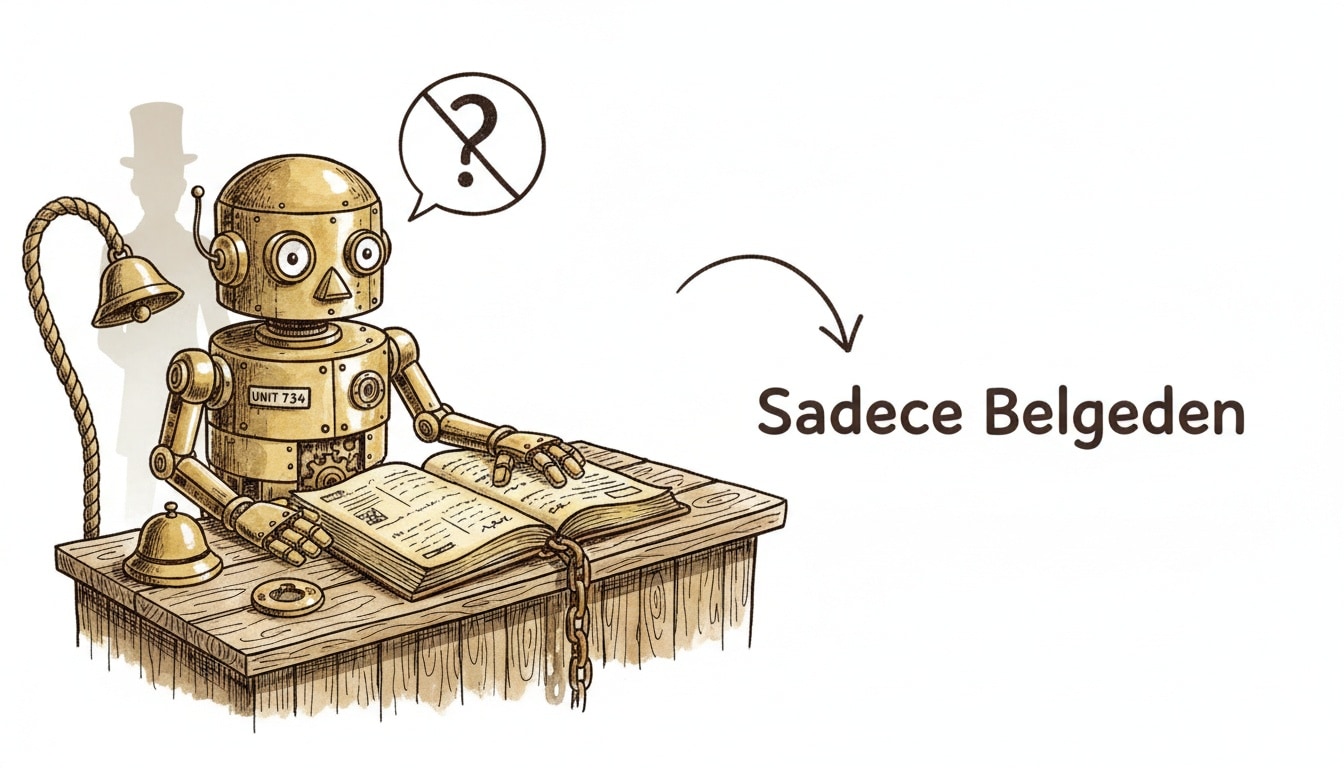
The way to build a support bot that doesn't hallucinate isn't picking a bigger model — it's forcing the bot to answer only from sources you've approved. This is called grounding: instead of freely generating text, the bot searches your knowledge base first, then summarizes what it finds. In 2026, setting this up for a small store takes a few hours and zero code.
Why the Problem Isn't the Model's Intelligence
Teams often go looking for "a smarter AI," but the real difference is architectural. An ungrounded generative bot — one with no connection to a trusted source — hallucinates roughly 15–27% of the time in support scenarios; enterprise programs measure an average of about 18% in live interactions. The same bot, given only your source material and told to use nothing else, drops to roughly 0.7–1.5%. In other words, whether the bot tells a customer a wrong refund amount or a promotion that doesn't exist has less to do with which model you pick and more to do with what the bot is allowed to see.
That's why the first and most important step is building the knowledge base correctly.
Step 1: Compile a Knowledge Base from Your Real Sources
Before you feed the bot anything, pull your scattered knowledge into one place:
- FAQs (shipping times, return conditions, payment options)
- Policy documents (refunds, warranty, privacy)
- Product descriptions and variant details (size, color, stock status)
- Recurring questions pulled from past support conversations
Break each document into short, single-topic chunks. Instead of one long paragraph under "Returns and Exchanges," write separately answerable blocks: "How many days do I have to return an item?", "Who pays for return shipping?", "Can I return a discounted item?" This mirrors the core idea behind how retrieval-augmented systems work: the better-segmented your content is, the more precisely the retrieval layer can find the right piece, and the more accurate the final answer.
Step 2: Pick a No-Code Platform That Fits Your Channel
Since you're building without code, platform choice mostly comes down to where your customers already write to you. Intercom Fin and Tidio have long offered answer generation grounded in your help center content — you upload your docs, choose a channel, and the platform handles the rest.
Bot Type | Typical Deflection Rate | Hallucination Rate |
|---|---|---|
Rule-based / keyword bot | 10–20% | Low, but inflexible |
Ungrounded generative bot | 20–35% (variable) | 15–27% |
Grounded generative bot | 40–60%+ | 0.7–1.5% |
For a small store, three channels usually matter most: a site widget, WhatsApp, and Instagram DM. If you're already marketing over WhatsApp, connecting the same number to your support bot keeps customers from having to switch apps just to ask a question. Instagram DM tends to work best for product-photo-driven questions ("do you have this in beige?").
Step 3: Ground Every Answer — Don't Let It Freelance
The single most important setting you'll flip during setup is usually labeled something like "answer only from uploaded sources." Turning this on means that when the bot hits a question with no match in the knowledge base, it says "I don't know, let me connect you with someone" instead of generating its own guess. In practice, this one setting accounts for most of the hallucination gap in the table above.
Step 4: Define Human-Handoff Triggers
Letting the bot try to resolve everything on its own is a trap that quietly lowers satisfaction. Without clear handoff rules, a bot can keep insisting on an answer even when it isn't confident. A simple rule set might look like this:
{
  "handoffRules": [
    { "trigger": "refund_request_above_amount", "threshold": 50, "action": "human_agent" },
    { "trigger": "negative_sentiment_detected", "action": "human_agent" },
    { "trigger": "unresolved_after_turns", "maxTurns": 3, "action": "human_agent" },
    { "trigger": "price_or_discount_question", "action": "guardrail_response" }
  ],
  "guardrails": {
    "neverStateExactRefundAmount": true,
    "neverInventDiscountCodes": true,
    "fallbackMessage": "Our team can give you the exact answer on this — connecting you now."
  }
}
Never give the bot free rein to state a specific number on refunds or pricing. Instead, have it query a live pricing field or hand off to a human outright. A bot saying "you'll probably get around $15 back" can undo weeks of built-up trust with a single wrong guess.
Step 5: Measure Deflection and CSAT Together
Deflection rate — the percentage of contacts resolved without a human ever getting involved — is usually presented as the core ROI metric. Rule-based bots typically deflect only 10–20%, while a well-maintained, grounded knowledge base can push that to 50–70%; the median across enterprise tier-1 programs sits around 41%, with the top quartile near 59%. But taken alone, this number can mislead. My take: a rising deflection rate that comes at the cost of falling CSAT isn't a win, it's hidden churn wearing a green checkmark. Conversations the bot marks "resolved" while the customer actually just gave up look great on a dashboard and quietly erode the business.
World-class AI support deployments hit 85%+ CSAT. Pure-AI-handled conversations tend to score a bit below human agents (roughly 4.1 out of 5 versus 4.3), but a well-designed handoff flow closes most of that gap. The goal isn't "the bot resolves everything" — it's "the bot resolves the right things and hands off the rest at the right moment."
A Simple Checklist for Month One
If you're just starting out, don't try to perfect the bot in one pass. In week one, add only your 15–20 most common questions to the knowledge base, keep handoff rules strict, and spend a week actually reading real conversation transcripts. In week two, turn every question the bot got wrong into a new knowledge-base chunk. This loop consistently beats one giant upfront setup. It's the same "start small, iterate on real data" logic behind building a solopreneur's AI stack — and for solo founders chasing their first customers, getting the support load under control early buys back real time once growth kicks in. If you'd rather have a general-purpose assistant that already knows your policies and tone, a tool like Gemini Gems built for your business is worth a look before building a dedicated bot from scratch.
Frequently Asked Questions
Do I need a developer to set this up?
No. Platforms like Intercom Fin and Tidio let you upload your help center content or documents and pick a channel — a site widget, WhatsApp, or Instagram — entirely through the interface. The only time you'd need code is for a genuinely custom integration, like pulling live data from a proprietary inventory system.
How do I stop the bot from inventing refund amounts?
Turn on the "answer only from uploaded sources" setting and route refund and pricing questions through a handoff rule. As in the example configuration above, whenever the bot would need to state an exact figure, have it query a live pricing field or route to a human agent instead.
What's a good deflection-rate target for a small store?
30–40% is realistic for the first three months; 50–60% becomes achievable as your knowledge base matures. Don't track this number in isolation, though — if deflection climbs while CSAT drops, the bot is likely marking conversations "resolved" without actually resolving them.
When should the bot hand off to a human?
At minimum: refund requests above a threshold you set, detected negative sentiment, and any issue still unresolved after three turns. Defining these triggers up front stops the bot from stalling a frustrated customer while it keeps trying to answer.