@ahmetcantryk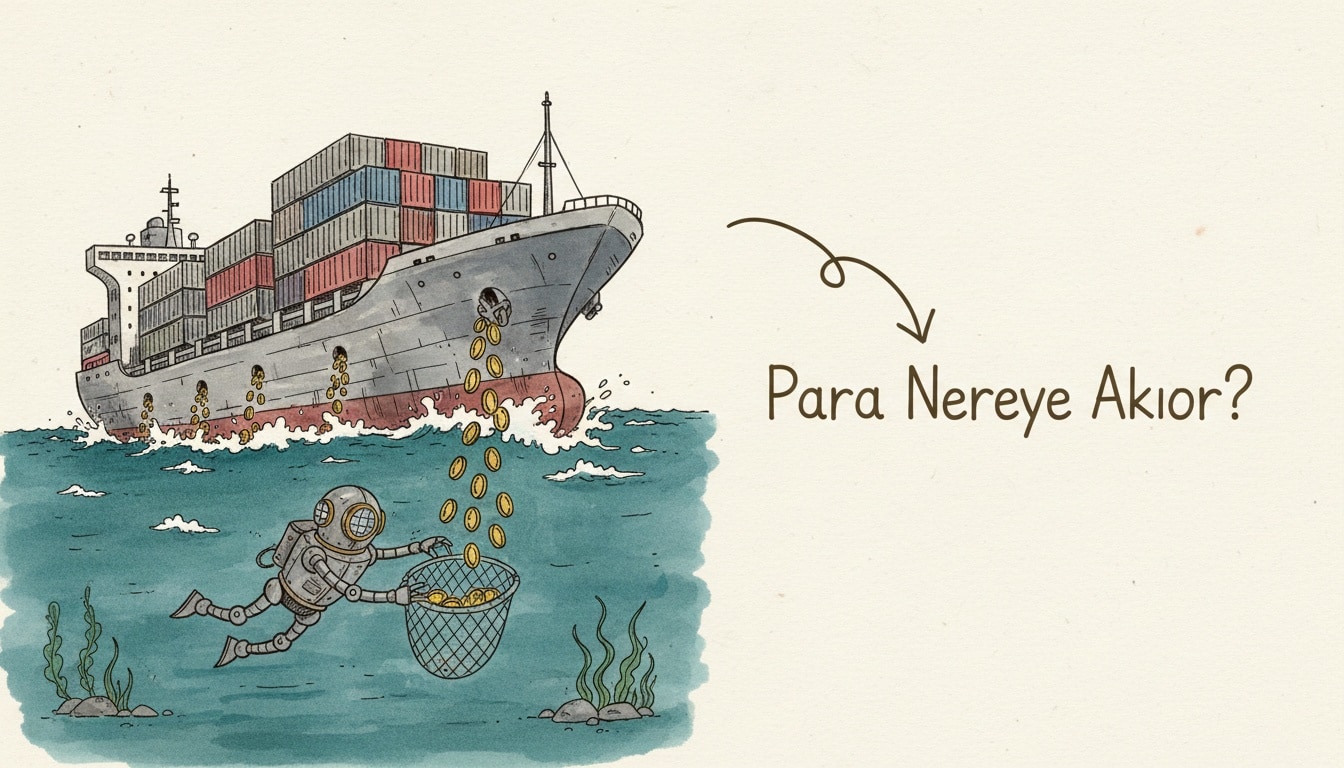
Kubernetes cost optimization is the practice of pulling resource requests back toward actual usage so your cluster bill drops without hurting performance. The fastest wins come from three places: shrinking over-provisioned CPU/RAM, moving to spot nodes, and shutting down idle resources. The 10 tactics below are ordered the way we run them in the field, and one of them changed materially this year.
On one client cluster this exact checklist cut the monthly EKS bill from $24,800 to $11,300 with zero SLA regressions. The tactics are cloud-agnostic (EKS, GKE, AKS); the sample commands use kubectl and common open-source tools.
What inflates Kubernetes costs?
The bill almost always traces back to three sources: over-provisioning (requesting far more than you use), idle nodes (half-full machines from poor bin packing), and on-demand pricing (paying full price instead of spot). The CNCF cloud native FinOps microsurvey published in 2026 is blunt about it — 70% of practitioners name over-provisioning as their number one source of overspend, and average CPU utilization across clusters sits near 10% with memory around 23%. That is not a tuning problem. That is money on fire.
You can't fix what you can't see. First, measure real usage:
# Find pods that reserve lots of CPU/RAM but use little
kubectl top pods --all-namespaces --sort-by=cpu | head -20

# Requested vs used resources per node
kubectl describe nodes | grep -A5 "Allocated resources"
Which tactics actually right-size a cluster?
Right-sizing is the foundation of Kubernetes cost optimization and often saves 30–50% of the bill on its own. We've ranked the 10 tactics below by impact-to-effort.
1. Shrink resource requests to match real usage
Most teams set requests high "just in case." Pull 7–14 days of p95 usage from Prometheus and set requests to that. On one Java service we dropped the cpu: 2000m request to 600m; pods ran at the same latency but three times as many fit per node.
2. Let VPA resize in place, not just recommend
This is the big change for 2026. In-Place Pod Resize graduated to stable in Kubernetes v1.35 (December 2025), and the Vertical Pod Autoscaler now ships an InPlaceOrRecreate update mode that adjusts CPU and memory on a running pod — no restart, no dropped connections for CPU changes. Right-sizing a Postgres pod used to mean picking a low-traffic window and watching it bounce. Now it happens continuously.
We still start conservative with recommendation mode to sanity-check the numbers:
kubectl get vpa my-app -o jsonpath='{.status.recommendation.containerRecommendations[0].target}'
# {"cpu":"430m","memory":"512Mi"}
Once the targets look sane, we flip stateless workloads to InPlaceOrRecreate and let VPA trim idle CPU without maintenance windows.
3. Scale to demand with Horizontal Pod Autoscaler (HPA)
Replace fixed replica counts with an HPA. On an API with quiet nights we dropped minReplicas from 10 to 2; it scales up to 12 automatically during the day — a 40% monthly cut in node hours. This is lower-hanging than it should be: the Rackspace State of Spot 2026 report found 86% of cloud environments still run no HPA at all.
4. Move to spot / preemptible nodes
For stateless workloads, spot nodes are 70–90% cheaper than on-demand as of July 2026. Route interruption-tolerant workloads to a spot pool and keep critical ones on-demand:
nodeSelector:
  karpenter.sh/capacity-type: spot
tolerations:
  - key: "spot"
    operator: "Equal"
    value: "true"
    effect: "NoSchedule"
5. Use Karpenter instead of Cluster Autoscaler
Karpenter picks the right instance type in seconds and reclaims empty nodes fast. On v1.13 (the current stable line as of June 2026), consolidation is aggressive enough that switching one cluster from Cluster Autoscaler dropped node count from 28 to 19 and lifted bin-packing efficiency. If you're still on Cluster Autoscaler and hand-managing node groups, this is the single highest-leverage swap on the list.
6. Clean up idle resources
Abandoned namespaces, orphaned PVCs, and unattached LoadBalancers quietly burn money. Run a weekly sweep:
# List unbound (idle) PersistentVolumes
kubectl get pv --all-namespaces | grep -i released

# Find Services with no endpoints
kubectl get endpoints -A | grep '<none>'
7. Consolidate nodes for bin packing
Drain low-density nodes and pack workloads onto fewer machines. Use descheduler to fix uneven spread. Target: every node at least 70% full. Protect Pod Disruption Budgets during consolidation, or the descheduler can evict critical replicas simultaneously.
8. Buy Reserved Instances / Savings Plans
For a steady baseline, a Savings Plan or Committed Use Discount saves 40–72% versus on-demand. Blend with spot: committed capacity for the base, spot for the peak.
9. Trim logging and monitoring costs
Observability quietly grows the bill. Turn off noisy debug logs, cut metric cardinality, and drop log retention from 90 days to 30. On one team, reducing log volume alone saved $1,900 a month.
10. Monitor cost continuously (FinOps)
One-off optimization rots. Install OpenCost — now a CNCF Incubating project that even ships a built-in MCP server so AI agents can query your cost data directly — and attribute spend per namespace/team (showback). Set budget alerts and share a weekly report. The FinOps Foundation's 2026 numbers make the case: teams without a FinOps practice waste 32–40% of cloud spend; mature ones hold it to 15–20%.
Which tools should you use?
Here's the toolkit we reach for most in 2026, with current status so you're not adopting something abandoned.
Tool | Purpose | Version / status (Jul 2026) | Best for |
|---|---|---|---|
Karpenter | Node provisioning + bin packing | v1.13, stable | EKS/dynamic scaling |
OpenCost | Cost visibility | CNCF Incubating, MCP-enabled | Showback/chargeback |
Kubecost | FinOps + recommendations | Commercial (IBM), freemium | Team-level budgets |
VPA | In-place right-sizing | | Continuous request tuning |
Goldilocks | VPA visualization | Open source | Fast right-sizing |
descheduler | Bin-packing balance | Open source | Node consolidation |
Practical order: use OpenCost to see where money goes, then VPA/Goldilocks to right-size, and finally Karpenter + spot to simplify the infrastructure. Kubecost, note, is now an IBM product following the 2024 acquisition — still solid, but plan your licensing accordingly.
How do you run your first cost optimization pass?
Run your first pass as a tight, measurable loop over a single weekend so you can prove savings before touching the whole cluster. The sequence we follow on every new engagement:
- Install OpenCost or Kubecost and let it collect at least 24 hours of data.
- Export p95 CPU/RAM per workload from Prometheus over the last 7–14 days.
- Pick the top 10 costliest namespaces and deploy VPA in recommendation mode there.
- Lower
requeststo the p95 target, one namespace at a time — with in-place resize you can do this without restarts. - Add an HPA to any service with variable traffic and a fixed replica count.
- Create a spot node pool and move stateless workloads onto it with proper tolerations.
- Enable Karpenter consolidation so half-empty nodes get reclaimed automatically.
- Delete idle PVCs, unattached LoadBalancers, and dead namespaces from your sweep.
- Set a budget alert and re-measure the bill after 7 days.
Each step is reversible and independently measurable, so you always know which change moved the number.
What should you watch out for?
Aggressive shrinking breaks performance. Set limits too close to requests and you'll hit CPU throttling and OOMKills. Test changes in staging, watch p95/p99 latency, and roll out gradually rather than across the whole cluster at once. Always define a Pod Disruption Budget on spot nodes. And tie every savings decision to an SLO metric alongside the cost drop — otherwise you drift toward a cluster that's cheap but slow, which is its own kind of failure.
For related reading: our guide to FinOps and cutting your cloud bill pairs directly with this, and 10 Kubernetes mistakes to avoid covers the reliability traps that show up when you tune too hard. To keep observability spend in check see Observability 101, and zero-downtime deployments explains the PDB discipline spot nodes demand. Everything is indexed on our DevOps & Cloud category page.
Frequently Asked Questions
How much does Kubernetes cost optimization typically save?
In our field experience, a typical production cluster saves 40–60% with right-sizing plus spot nodes combined. The biggest shares come from right-sizing (30–50%) and moving to spot nodes (70–90% node discount). Expecting double-digit percentage savings in the first month is realistic.
Are spot nodes safe for production workloads?
Yes, with the right architecture. Put stateless, interruption-tolerant services on spot nodes; use a Pod Disruption Budget and multiple availability zones. Keep stateful databases and single-replica critical services on on-demand or reserved nodes.
Does in-place VPA resize replace the old recommend-only workflow?
For most stateless workloads on Kubernetes 1.35+, yes — InPlaceOrRecreate lets VPA adjust CPU with no restart, so you can run it in auto mode without maintenance windows. We still start in recommendation mode to validate targets, then graduate to in-place once the numbers look stable.
Can I use VPA and HPA at the same time?
Using both on the same CPU/RAM metric conflicts. The fix: run HPA on custom metrics (requests/second, queue depth) and let VPA handle CPU/memory requests. That separation lets HPA scale replicas horizontally while VPA right-sizes each pod vertically.