@ahmetcantryk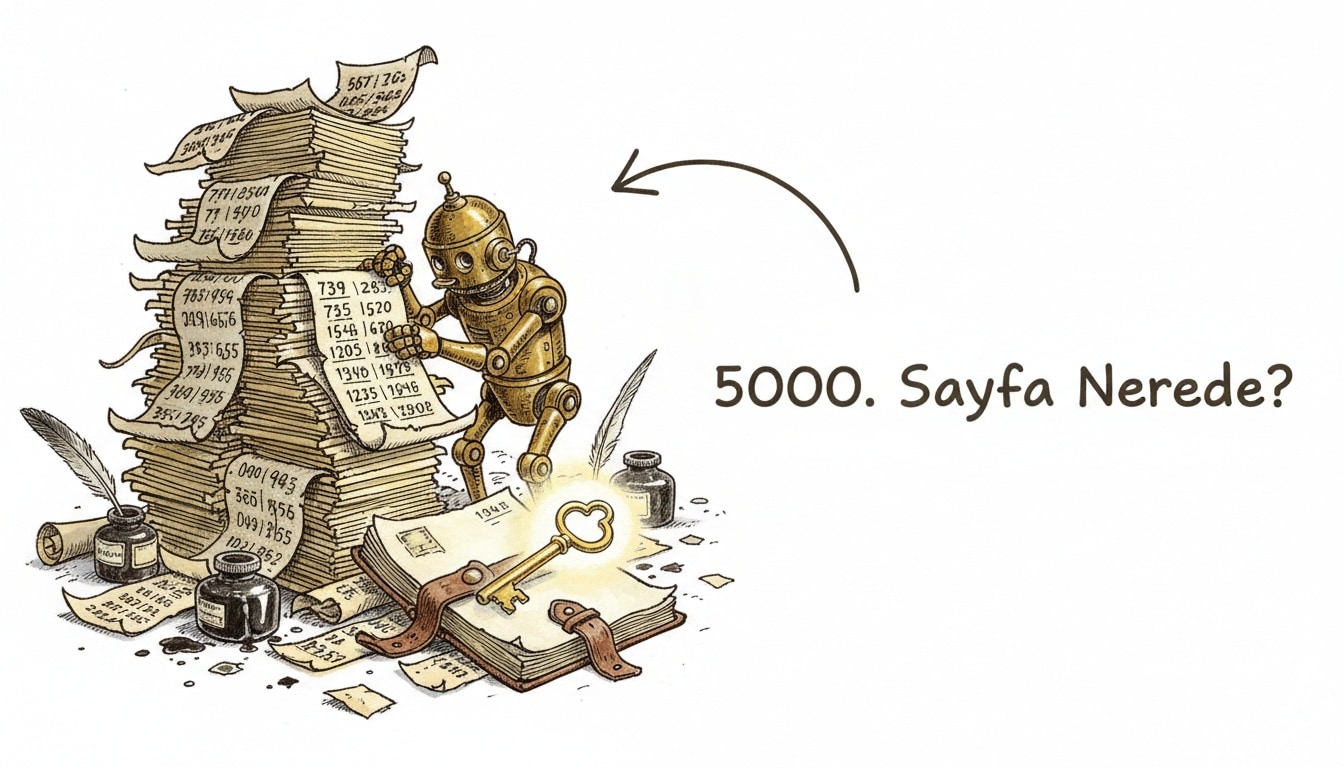
Why does a request for page 5000 take 15 seconds? Because OFFSET 99980 LIMIT 20 makes Postgres scan and discard 99,980 rows before it can return the 20 you asked for. Query cost scales linearly with the offset value — page 10,000 gets slow, page 100,000 often times out. Keyset (cursor) pagination eliminates that scan entirely, and it fixes a correctness bug most teams don't even know they have.
Why OFFSET Is Slow: The Cost of the Scan
LIMIT/OFFSET pagination looks simple, but the database doesn't treat the offset as a pointer to jump to. The query planner walks the result set from the beginning, discards the offset's worth of rows, and returns the next LIMIT rows after that. The gap between OFFSET 0 and OFFSET 100000 is a gap of a hundred thousand scanned rows — and an index on the sort column doesn't remove that scan, it just makes it slightly cheaper per row.
-- Classic offset pagination: page 5000 scans and discards 99,980 rows
SELECT id, title, created_at
FROM articles
ORDER BY created_at DESC, id DESC
LIMIT 20 OFFSET 99980;
On small, static tables this is invisible — scanning a few thousand rows costs low single-digit milliseconds. On a table that keeps growing and taking writes, latency climbs linearly with how deep users page.
Keyset (Cursor) Pagination: Constant Cost via Index Seek
Keyset pagination replaces "which row number am I on" with "give me everything after this value." You carry the last-seen value of your sort column(s) forward as a cursor on the next request, and the database seeks directly to that position in the index — it never scans the rows before it.
-- Keyset pagination: every page is a constant-cost index seek
SELECT id, title, created_at
FROM articles
WHERE (created_at, id) < ('2026-07-10 09:14:00', 48213)
ORDER BY created_at DESC, id DESC
LIMIT 20;
This query costs the same on page 1 as it does on page 5000, because a B-tree index seek doesn't care how deep you are — it's a direct lookup, not a scan. The composite key (created_at, id) matters here: sorting on created_at alone leaves ties ambiguous when multiple rows share a timestamp; adding id as the tiebreaker makes every ordering deterministic.
Criterion | OFFSET/LIMIT | Keyset/Cursor |
|---|---|---|
Query cost | Scales linearly with offset | Constant, independent of page depth |
Jump to arbitrary page | Supported directly ( | Not directly supported — sequential navigation only |
Consistency under inserts/deletes | Rows shift, causing skips or duplicates | Stable relative to the cursor, no skips or duplicates |
Best fit | Small, static, admin-style datasets | Growing, high-write datasets, infinite scroll |
The Hidden Correctness Bug: Shifting Rows
Beyond the performance problem, OFFSET pagination has a correctness bug that fails silently. If a user is viewing page 2 and someone deletes a row from page 1 in the meantime, every subsequent row shifts up one position — a row the user should have seen on page 3 slides into page 2 and gets skipped entirely. The reverse happens on an insert: a row can appear twice across two page loads. This is the classic root cause behind "I refreshed and a product just disappeared" bug reports.
Keyset pagination removes this failure mode structurally: because each page is defined as "everything after the last value I saw," inserts and deletes earlier in the list don't move the reference point for later pages. Users never skip or duplicate a row — as long as the cursor value itself stays stable.
When OFFSET Is Still Fine
Not every paginated view needs to move to keyset. If the dataset is small and rarely changes — a settings page listing 200 users, say — OFFSET's linear cost is never actually felt, and you keep direct page-number navigation like "jump to page 42" for free. Keyset's payoff shows up once row counts push into the tens of thousands and/or the table sees frequent inserts and deletes — exactly the profile of infinite-scroll feeds, public APIs, and log viewers.
Keyset Needs the Right Index
Keyset pagination's speed gain depends entirely on having a composite index that matches your sort criteria exactly. If you're querying with ORDER BY created_at DESC, id DESC but your index only covers created_at, the planner can fall back to an extra sort step, and you lose the constant-cost guarantee you were counting on.
CREATE INDEX idx_articles_created_id
  ON articles (created_at DESC, id DESC);
Without this index, your keyset query still returns correct results — it just won't be fast. If EXPLAIN ANALYZE shows a Seq Scan or an extra Sort node instead of a clean Index Scan, that's the sign your index doesn't match your sort columns.
If You Still Want a Total Page Count
The most common complaint about keyset pagination is that it doesn't naturally support showing "1,240 results, 62 pages" in the UI. In practice there are three options: run COUNT(*) as a separate, periodically cached query (accurate but stale); estimate from Postgres's own statistics, like pg_class.reltuples (instant but approximate); or drop the total entirely and expose only next/previous navigation in the UI. Most production APIs — Stripe, GitHub — take the third route, returning a has_more flag instead of a total count, which is also the cleanest choice for both performance and consistency.
The GraphQL Version: Relay's Connection Pattern
If you're designing a GraphQL API, keyset pagination already has a standard shape: Relay's connection specification. Fields like edges, node, cursor, and pageInfo { hasNextPage, endCursor } wrap keyset logic in a thin, well-known contract that client libraries (Apollo, Relay) can consume for automatic caching and page-merging. If you're migrating a REST API to keyset pagination, adopting the same cursor/hasNextPage shape keeps the client-side experience consistent with the GraphQL convention.
A Note on Cursor Encoding
In production, it's standard practice to base64-encode the raw (created_at, id) pair into an opaque token rather than exposing it directly in the URL — this keeps clients from coupling to your actual sort columns, and lets you change the underlying schema without breaking the API contract.
function encodeCursor(createdAt, id) {
  const raw = JSON.stringify({ createdAt, id });
  return Buffer.from(raw).toString('base64url');
}

function decodeCursor(cursor) {
  return JSON.parse(Buffer.from(cursor, 'base64url').toString());
}
This is the same model large-scale APIs like Stripe, Slack, and GitHub use — the cursor is meaningless to the client, but resolves directly to an index key on the server.
Once pagination stops being the bottleneck, indexing strategy is usually next — our database indexing guide walks through which columns belong in a composite index and why. If your paginated queries also join related tables, fixing the N+1 query problem covers a second performance trap that shows up in the same listing endpoints. And if you're caching paginated results, our caching strategies and invalidation guide is worth pairing with this one.
Frequently Asked Questions
Can I jump to an arbitrary page with keyset pagination?
Not directly. Keyset pagination is inherently sequential — previous/next — so if you need "jump to page 42," you either keep OFFSET for that view or layer an approximate-position optimization (like an estimated count) on top.
Which columns should the cursor use?
Whatever columns you're sorting by, plus a column that guarantees uniqueness — typically the primary key. If you're using ORDER BY created_at DESC, id DESC, your cursor needs to carry both values.
When does OFFSET pagination actually become a problem?
Once a table crosses tens of thousands of rows and users page deep (past page 5 or so), the cost becomes noticeable; at offsets in the hundreds of thousands, query time can climb enough to break usability entirely.
Which should I use for infinite scroll?
Keyset. Infinite scroll already works as "fetch the next batch," which is exactly what keyset pagination models — and it avoids the skip/duplicate bugs that show up when rows are inserted or deleted while a user is scrolling.