@ahmetcantryk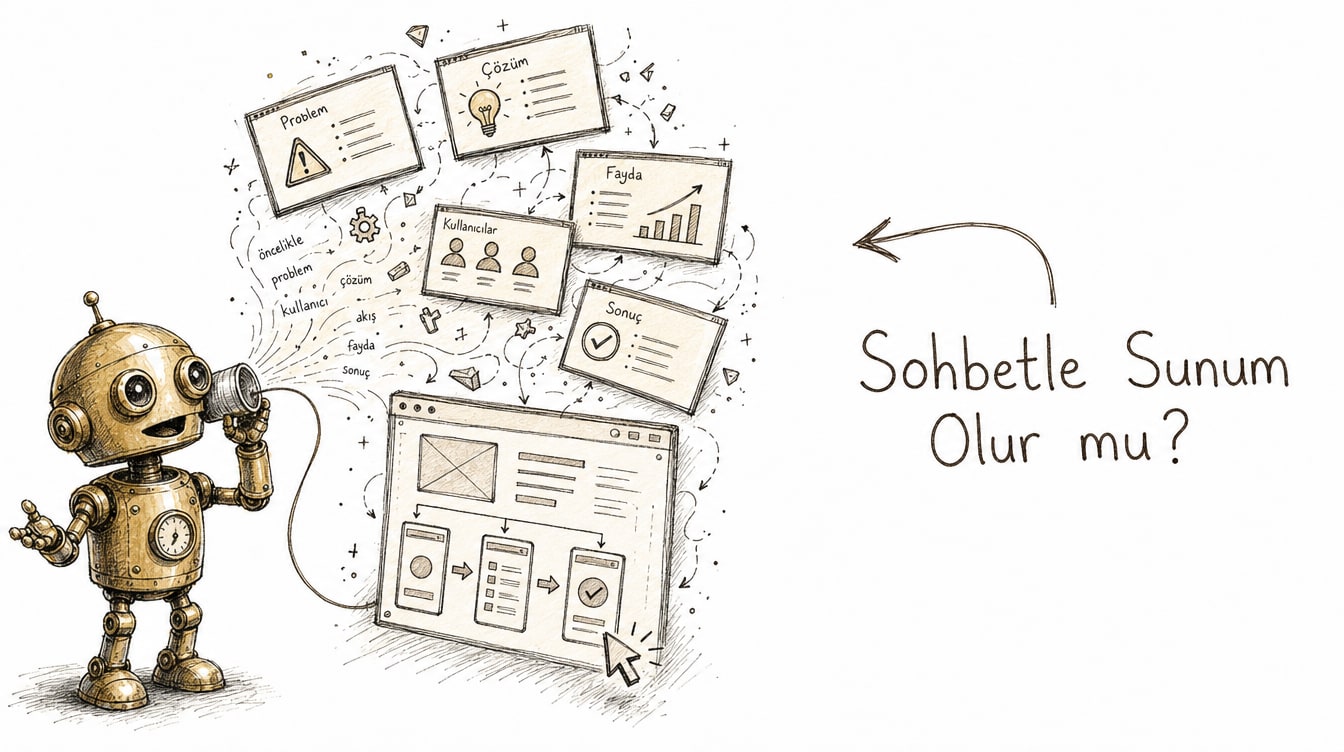
Claude Design is a research preview from Anthropic Labs that turns text prompts into real visuals — slide decks, prototypes, wireframes, one-pagers, and landing pages. Instead of dragging boxes around a canvas, you describe what you want and iterate by chatting.
Meet Maya: a solo founder building a SaaS product, meeting an angel investor tomorrow morning with no deck and no demo. No designer on the team, no spare night for Figma. That is precisely the gap Claude Design targets — swapping hours in a blank canvas for a working first draft built through conversation.
What Claude Design actually produces
Claude Design covers four main output types: investor or sales decks, clickable product prototypes, low-fidelity wireframes, and one-page marketing sites or landing pages. The shared mechanic is simple: you write a prompt, Claude Design produces a draft, and you rewrite whatever part you dislike. There is no layers panel, no alignment guides, no pixel-nudging — natural language replaces all of it.
Maya's first prompt reads: "Build a 10-slide investor deck for an early-stage SaaS — problem, solution, market size, business model, team." A few minutes later she has a full deck with headlines, layout, and placeholder visuals. It is not perfect, but it is miles ahead of a blank page.
Bringing in a brand system
Maya's first draft looks generic — nothing about it says her company. This is where Claude Design's brand system import comes in: it reads your codebase from a GitHub repo, your Figma files, or raw uploaded assets like a logo, color palette, and typography, then generates output that stays on-brand. You can bring in more than one design system, which is handy for agencies or teams juggling multiple products.
Maya connects a PDF of her brand guidelines and the GitHub repo behind her landing page. The next draft comes back in her actual colors, her actual font, with her logo in place. It is a small step, but it is often exactly the detail separating "an amateur slide" from "a slide an investor takes seriously."
Chatting instead of dragging boxes: a before-and-after
In a traditional workflow, changing slide three means clicking into it, finding the text box, resizing, realigning, and rechecking the color palette. In Claude Design, Maya types: "Remove the market-size chart on slide three and replace it with a three-point competitive comparison." Claude Design rebuilds that one slide and leaves the other nine untouched.
Before: Maya spends half an hour in PowerPoint manually deleting a chart, adding three text boxes, aligning them, and fixing the font. After: Maya writes one sentence, sees the updated slide in thirty seconds, and writes another sentence if it still is not right.
That is Claude Design's real promise: iteration speed. Where drag-and-drop tools turn every small change into a manual operation, here every change is a sentence. Maya does the same on the prototype side — "add an onboarding flow to the home screen, three steps" — and gets back a clickable prototype she can hover and click through to test the flow.
Exports: each format is a genuinely different mechanism
Once the deck and prototype are ready, the real question is where the file goes next. Claude Design offers a wide range here, and each option runs on a genuinely different mechanism.
One-click export to Canva turns the output into a fully editable, native Canva document with real-time collaboration — not a flattened image — so Maya can send the deck to a co-founder and edit it together live. PPTX export makes each slide a real PowerPoint slide with editable text boxes, not a flattened image either. PDF is the classic static-sharing option. A shareable URL lets anyone view the work straight from a browser.
Standalone HTML export targets a more technical user: it produces a folder with an index.html and an assets directory, droppable straight onto S3, Netlify, or Cloudflare Pages. That HTML export also ships a runtime supporting voice, video, shaders, and 3D effects — so it is more than a static page. Finally, you can hand a prototype directly to Claude Code, at which point the output becomes a ready-to-implement technical spec.
Format | Best for | Actual mechanism |
|---|---|---|
Canva | Editing together as a team | Native, fully editable Canva doc with real-time collaboration |
PPTX | Investor pitch, corporate template | Each slide is a real PPTX slide with editable text boxes |
Static sharing, email attachment | Fixed layout, non-editable | |
Shareable URL | Quick preview, gathering feedback | Direct browser viewing |
Standalone HTML | Self-hosted landing page | index.html + assets; runtime with voice/video/shader/3D support |
Claude Code handoff | Prototype to real implementation | Ready-to-implement technical spec |
For Maya, the practical path was: PPTX for the deck (to email the investor), standalone HTML for the prototype (to show the product team), and finally a handoff to Claude Code when it was time to move to an MVP.
1. "Build a 10-slide investor deck for an early-stage SaaS —
   problem, solution, market size, business model, team."
2. "I added my brand guide and my landing page repo from GitHub —
   rebuild the whole deck to match that brand system."
3. "Remove the market-size chart on slide three and replace it
   with a three-point competitive comparison."
4. "Create a clickable prototype starting from the home screen
   with a three-step onboarding flow."
5. "Hand this prototype off to Claude Code as a ready-to-implement
   spec."
Not to be confused with Cowork or Artifacts
Anthropic's product family can blur together here, but the roles are distinct. Claude Cowork is built for multi-step agentic work across apps and files — sending emails, updating spreadsheets, chaining multiple tools together. Artifacts is for lightweight, in-chat generated UI or code snippets; even Artifacts wired to live MCP data is fundamentally a code sandbox. Claude Design is neither: it is specifically for polished, exportable visual deliverables, not a general task agent or a code sandbox.
Tool | Purpose | Typical output |
|---|---|---|
Claude Design | Polished, exportable visual deliverable | Deck, prototype, landing page |
Claude Cowork | Multi-step agentic work across apps | Completed tasks, updated files |
Artifacts | Lightweight in-chat generation | UI snippet, code sample |
Where it beats Figma, and where it still trails
My honest take: Claude Design gets you to a usable first draft far faster than starting from a blank Figma canvas — for non-designers especially, that gap is measured in hours, not minutes. But it is a research preview, and the seams show. If you need pixel-precise control, complex multi-page prototypes, or team-scale design-system governance, Figma, Canva, and Keynote are still the more mature tools. The realistic workflow is to draft the first 80% in Claude Design, then finish by hand or hand it to a designer.
Starting your first project
Follow Maya's path: open with a specific prompt (how many slides, which sections), then add your brand assets, then iterate one sentence at a time. Never expect the first draft to be final — Claude Design's strength is speed and ease of rewriting, not nailing it on the first try. Once the deck is done, pick the export format for the goal at hand: PDF to share, Canva to co-edit, standalone HTML to publish.
More broadly, knowing solid prompt engineering patterns pays off here too — specific, well-scoped prompts get noticeably better first drafts out of Claude Design. For sources, see Anthropic's official Claude Design announcement and the product page.
Frequently Asked Questions
Is Claude Design free to use?
It launched as a research preview; check Anthropic's official product page for the most current access and pricing details.
Is the PPTX export actually editable?
Yes — the output is not a flattened image. Each slide is a standard PPTX slide with real, editable text boxes.
Does Claude Design replace Claude Cowork?
No, they serve different jobs. Cowork handles multi-step tasks across apps, while Claude Design is for polished visual deliverables like decks and prototypes.
How do I connect my brand system?
You can import it from a GitHub repo, Figma files, or directly uploaded brand assets like your logo, colors, and typography, and you can define more than one design system.