@ahmetcantryk
Starting every morning by asking "what do I post today" is the single biggest enemy of consistency. Producing a month's worth of content in one focused day, then spending the rest of the month only publishing and engaging, leads to both less stress and objectively better output — because ideas get generated in one creative flow instead of under daily time pressure.
Why Daily Improvisation Kills Consistency
The problem isn't just time. Treating every post as its own separate task means paying the mental overhead of ideation, filming, editing, and publishing from scratch, over and over. According to Sprout Social's 2026 content batching guide, this is the number one reason most creators burn out or go inconsistent within their first 90 days. Instead of producing post by post, splitting production into separate stages — ideation, scripting, filming, editing, scheduling — and staying in one mental mode per stage eliminates the switching cost entirely.
The practical effect: generating 10 different ideas in a single sitting is easier than generating one idea a day for 10 days, because your brain is already warmed up in "ideation mode." The same logic applies to editing — cutting five videos back to back is faster than editing one a day, because your tools and mental context are already loaded.
The System: Five Separate Blocks
What makes batching actually work is not mixing the stages together. The recommended flow looks like this:
- Pillar selection (monthly): Define the 3 core themes your content orbits around. Too many pillars creates clutter; too few creates repetition — three is a healthy balance for most accounts.
- Ideation (half a day): Generate 8–10 titles per pillar. Volume matters here, not production quality.
- Scripting/drafting (half a day): Turn titles into short outlines — not full scripts, just the skeleton of the talking flow.
- Filming/production (one day): Shoot everything back to back — same lighting, same outfit, same setup — so the switching cost drops to zero.
- Editing and scheduling (one to two days): Edit every video, add captions, load everything into a scheduler.
That's 3–4 days total, but the output is a full month of content. For solo accounts, the recommended approach is compressing this further into one or two days — intense but focused blocks.
Multiplying One Asset: Repurposing
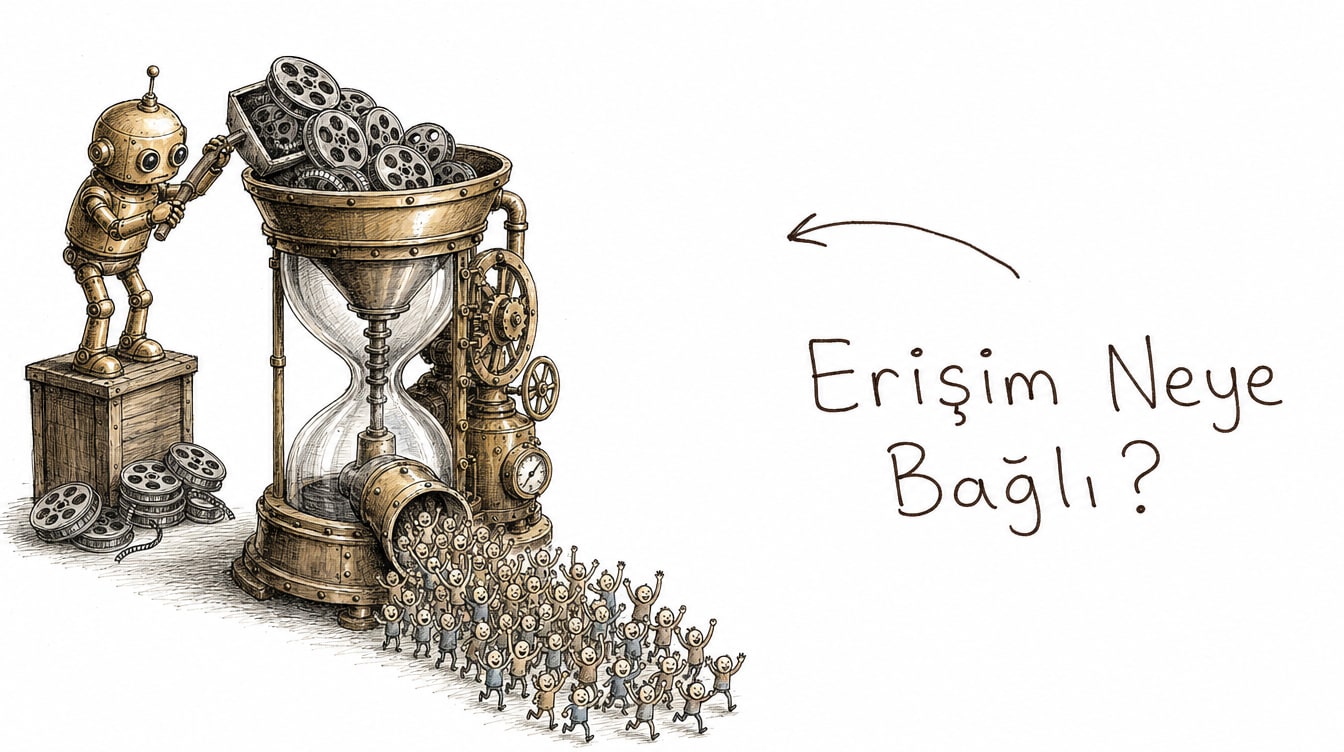
The real leverage of batching isn't generating every idea from scratch — it's turning a single long-form piece into many short assets. According to a 2026 content repurposing framework, a healthy strategy turns one pillar asset into at least five published pieces in under two hours of editing: one long video, three short clips, a carousel, and a text post. This pairs naturally with the series logic we described in our piece on growing retention with a short-video series: splitting a single long-form interview into five short clips, each opening with a different hook.
Source format | Derived assets | Extra filming needed |
|---|---|---|
1 long video (10–20 min) | 3–5 short clips | No |
1 long video | 1 carousel (screenshots + text) | No |
1 long video | 1 blog/newsletter draft | No |
1 podcast episode | 2–3 quote clips + 1 text summary | No |
Where AI Actually Helps: Drafts, Not Your Voice
The highest-leverage place to add AI to a batching workflow is draft generation — title variations, caption drafts, carousel text skeletons. The thing to watch for is not letting AI try to imitate your voice; it earns its keep when you edit the draft into your own tone rather than publishing it as-is. We covered this distinction in more depth in our AI social video workflow piece — the short version is AI adds speed, you add authenticity.
A Scheduler and a Simple Calendar
Once editing is done, loading everything into a scheduler frees the rest of the month from the "what do I post today" question. A simple calendar template looks like this:
Week 1: Pillar A - Monday, Wednesday, Friday
Week 2: Pillar B - Monday, Wednesday, Friday
Week 3: Pillar C - Monday, Wednesday, Friday
Week 4: Mixed (repeat your best-performing format)
Leave one exception when scheduling: keep an open slot if you want to react to something timely. Batching shouldn't kill spontaneity entirely — it should just change your default production mode. If you're deciding which platform to prioritize with the derived assets, our Shorts vs Reels vs TikTok comparison is worth a look too, since each platform expects a slightly different cut of the same source clip.
Common Batching Mistakes
Most people new to batching fall into the same three traps. First, cramming filming and editing into the same block — trying to make editing decisions while you're on camera slows both jobs down. Second, dedicating the entire month to a single pillar; without variety, follower engagement drops fast, and rotating across three pillars reduces that risk. Third, second-guessing yourself during ideation — stopping to ask "is this idea good enough" on every title kills volume. The goal of ideation is to generate, not select; filtering belongs in the editing stage, when you decide which drafts are actually worth filming.
Another common trap is never actually putting the batching day on the calendar. "I'll do it whenever I find a free day" is exactly the daily improvisation you're trying to avoid. Locking the batching day into your calendar like an important meeting is the one thing that actually makes the system work.
An Honest Caveat
Batching isn't right for every account. For news-driven accounts or ones that depend on real-time trend-jacking, content planned a month out goes stale fast. This approach works best for educational, evergreen, or personal-brand content — material that doesn't lose value over time. If personal branding is your main lever, our piece on personal brand on X for founders pairs well with this system. Our broader social media category has more practical guides that complement this batching approach.
Frequently Asked Questions
How many days should I set aside for batching?
For a solo account, 1–2 intensive days is usually enough: half a day of ideation, half to one day of filming, one day of editing and scheduling. Your first round will likely take longer; it speeds up as the system settles in.
How many content pillars should I pick?
Three is a healthy number for most accounts. More creates clutter, fewer creates repetition. Revisiting pillars every three to six months is enough — you don't need to redo this monthly.
Does repurposing actually save time, or is it extra work?
Done in the right order, it saves time: producing the long-form asset first, then cutting it into short pieces, is much faster than producing each short piece from scratch. Reversing the order — filming five separate short videos up front — erases batching's advantage.
Do I need to use AI during batching?
No, but it speeds up the drafting stage. Trusting AI for a starting point on titles and captions, then editing the final voice yourself, is a balanced approach.